Copy parent tags to new children in Azure DevOps
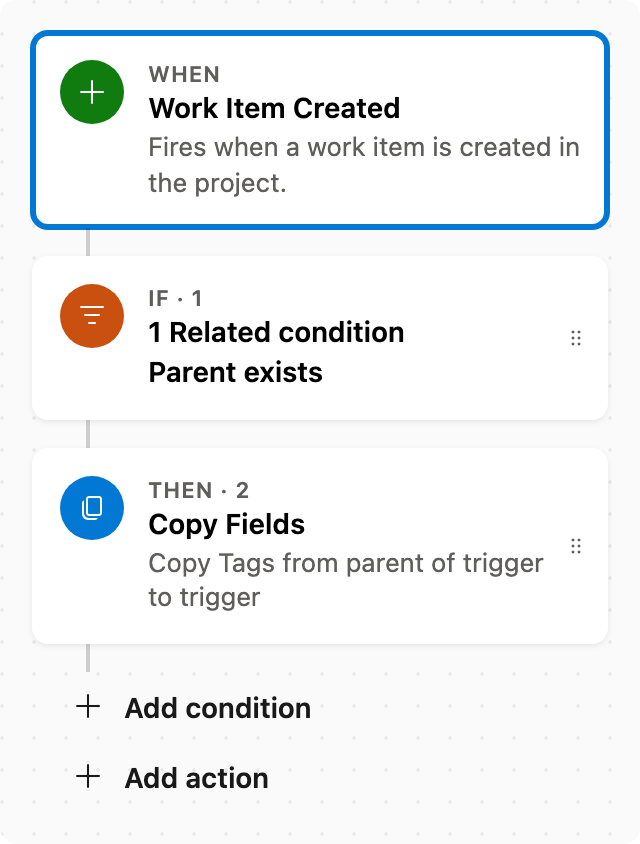
When a child is created, add tags from its parent in Azure DevOps.
Existing tags on the child work item remain unchanged. While areas and iterations are already inherited by boards, this automation allows you to add other fields if necessary.
Prerequisite: Install Automations App on your Azure DevOps organization
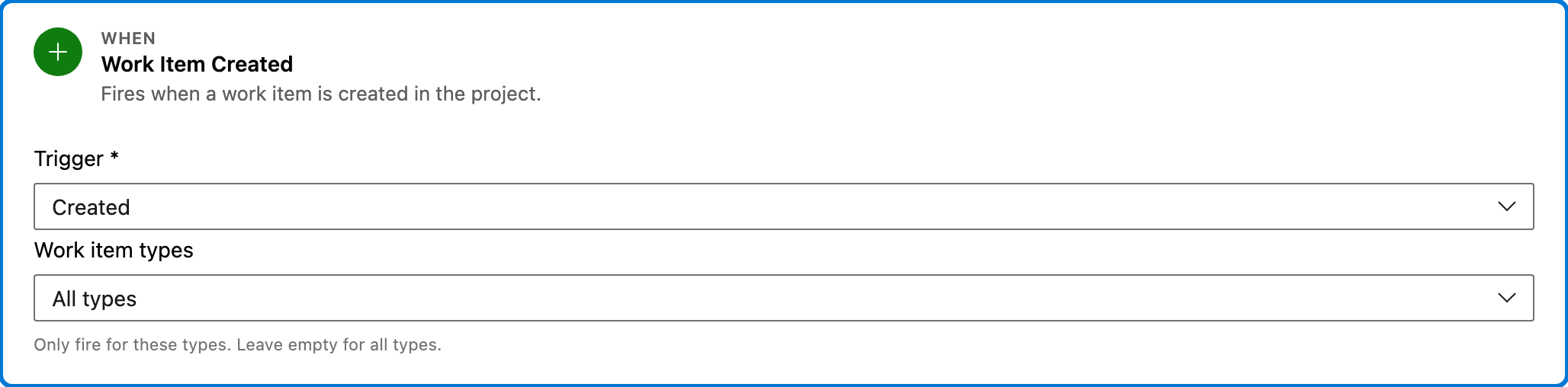
Trigger — Work Item Created
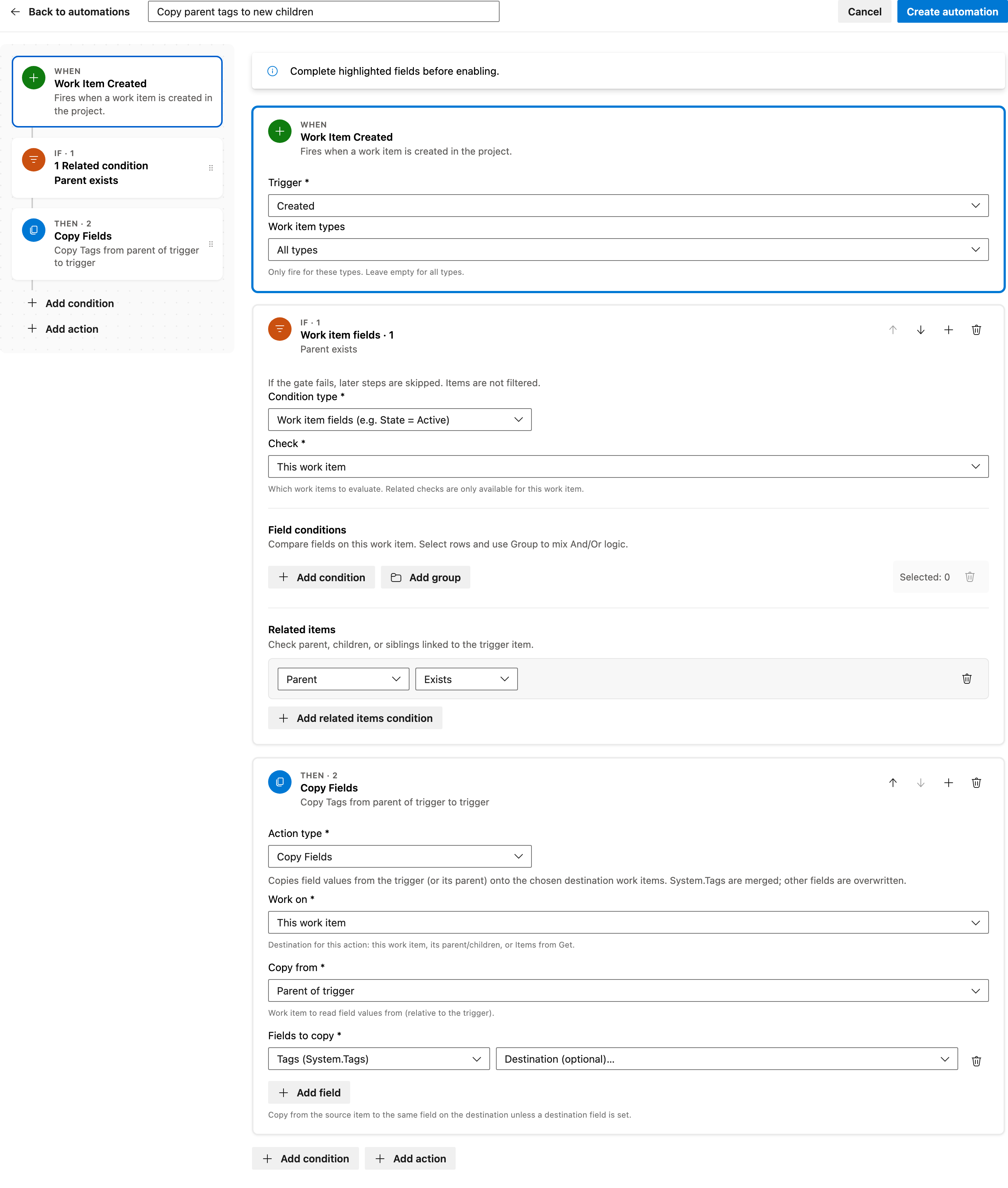
This step triggers the automation when a new work item is created in the project. It listens for any type of work item without filtering.
Configured in this template
- Work item types: all (no filter)
You can customize
- Filter specific work item types if needed.
- Adjust the project scope if necessary.
Condition — Work item fields
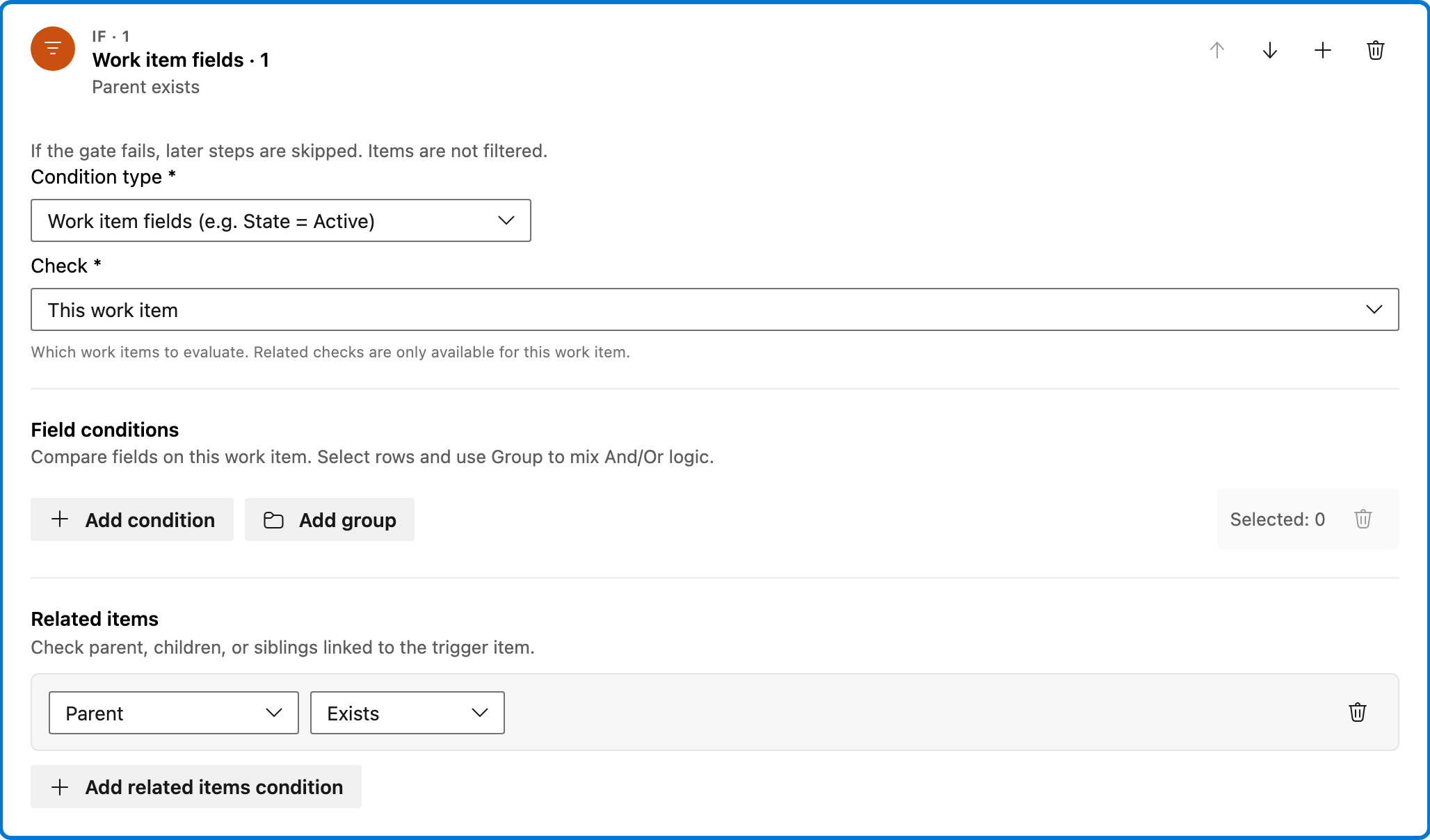
This condition checks if the new work item has a parent. If no parent exists, the automation stops here.
Configured in this template
- Check: This work item
- Require: All of Items
- Field conditions: (none)
- Match logic: All conditions must match (AND)
- Related work item conditions: parent: at least one exists
You can customize
- Add specific field conditions to further refine when this automation should run.
- Change match logic to OR if any condition should trigger the action.
Action — Copy Fields
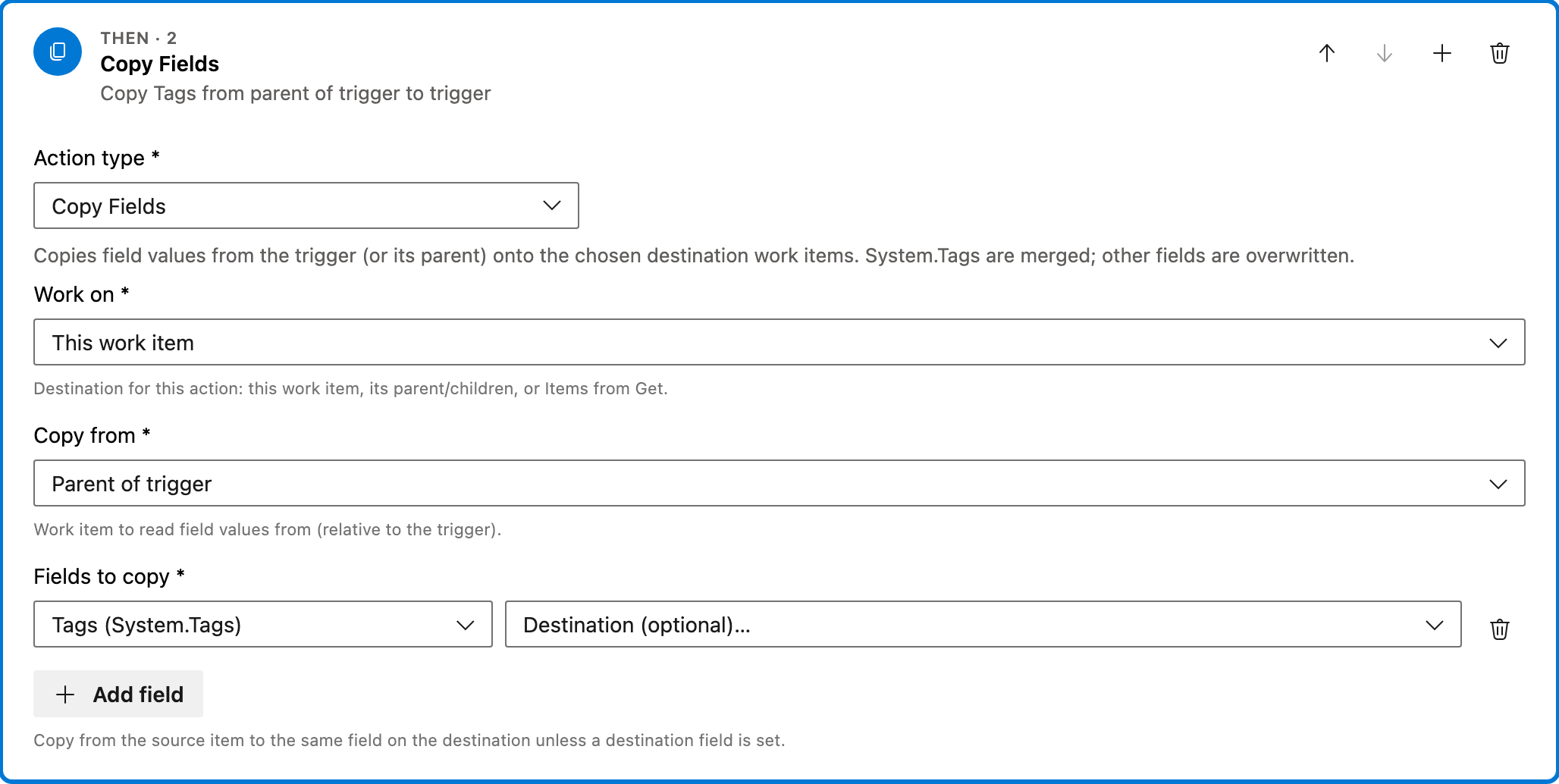
This action copies the tags from the parent work item to the newly created child work item. Existing tags on the child are merged with the parent's tags.
Configured in this template
- Work on: This work item
- Copy from: Parent of trigger
- Fields to copy: Tags
You can customize
- Add additional fields to copy if needed.
- Change the source to another related work item if applicable.
Full automation
Common questions
How do I copy parent tags to new children in Azure DevOps?
What fields are required to enable this automation?
Can I change the work item types this automation applies to?
How can I test this automation?
What happens if the child already has tags?

Visual Studio Marketplace
Automations
Automate Azure DevOps workflows with triggers, actions, conditions, and scheduled rules.
Other Parent & Child templates in Automations.
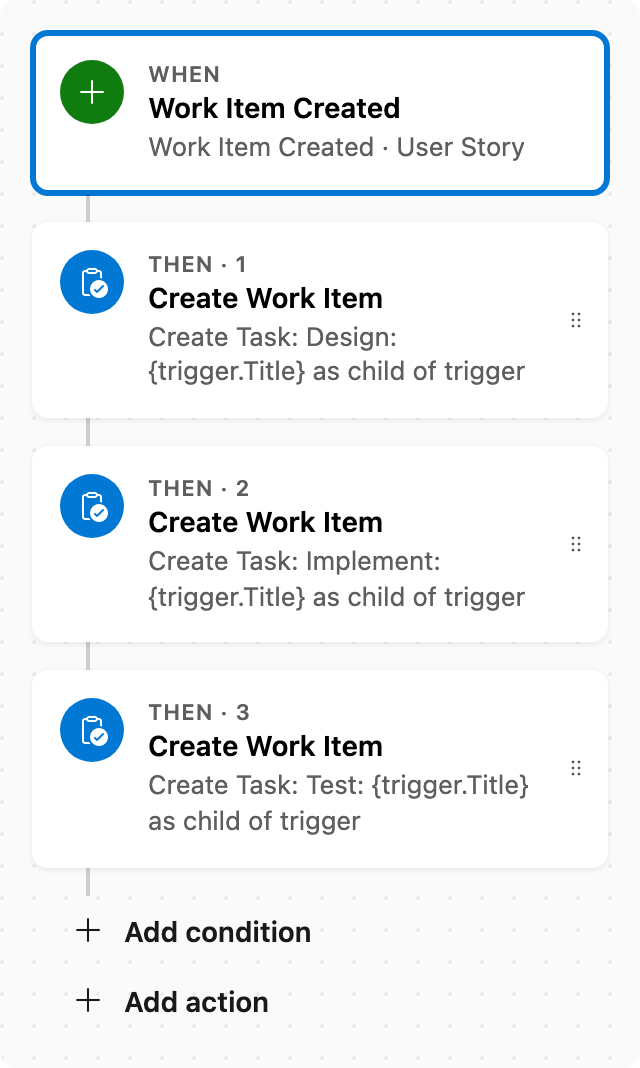
Create child tasks automatically
When a User Story is created, create child Tasks via stacked Create Work Item steps.
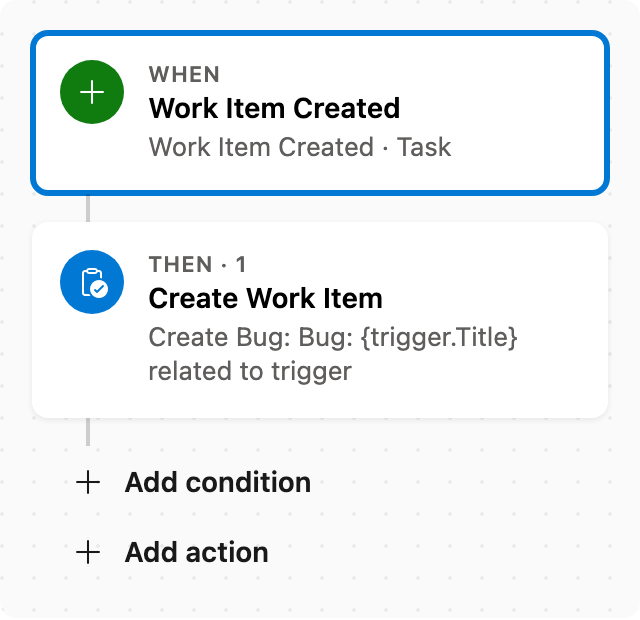
Create Bug from Task
When a Task is created, create a related Bug seeded from the trigger title.
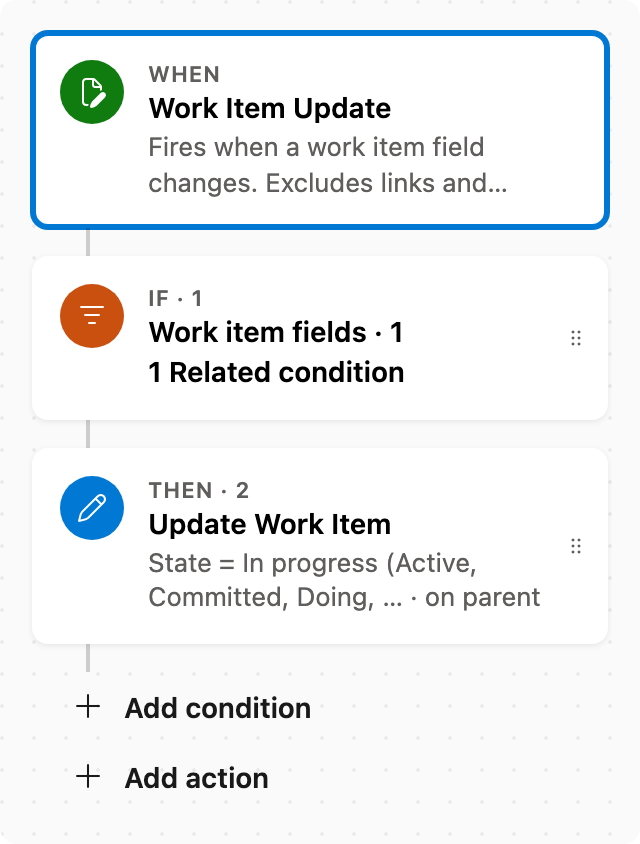
Reopen parent when a child is reopened
When a child leaves Completed (Closed or Done), set the parent back to In progress (Active, Committed, Doing, …). Pairs with Close parent when all children are completed.
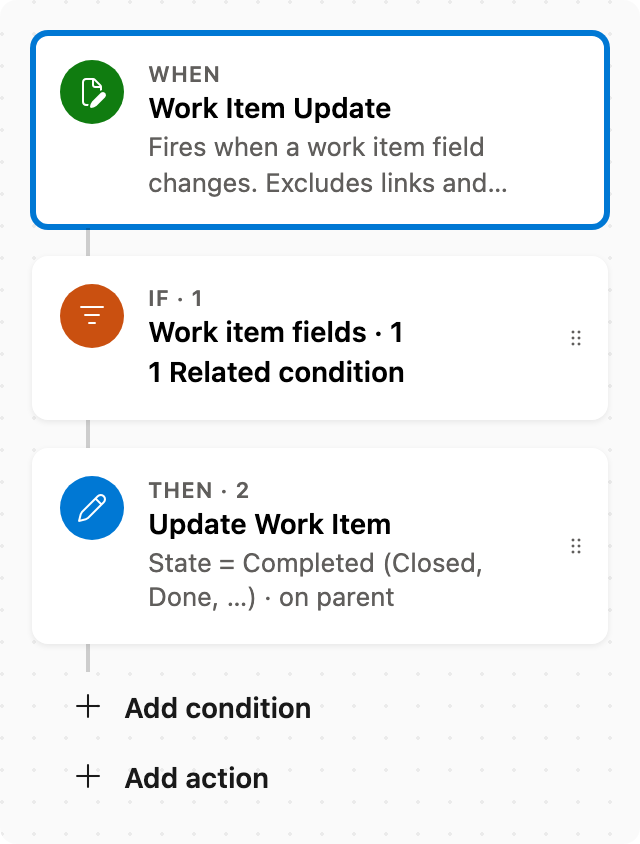
Close parent when all children are completed
When a child moves to Completed (Closed or Done), if all siblings are also Completed, set the parent to Completed for its work item type.