Bulk comment from a query in Azure DevOps
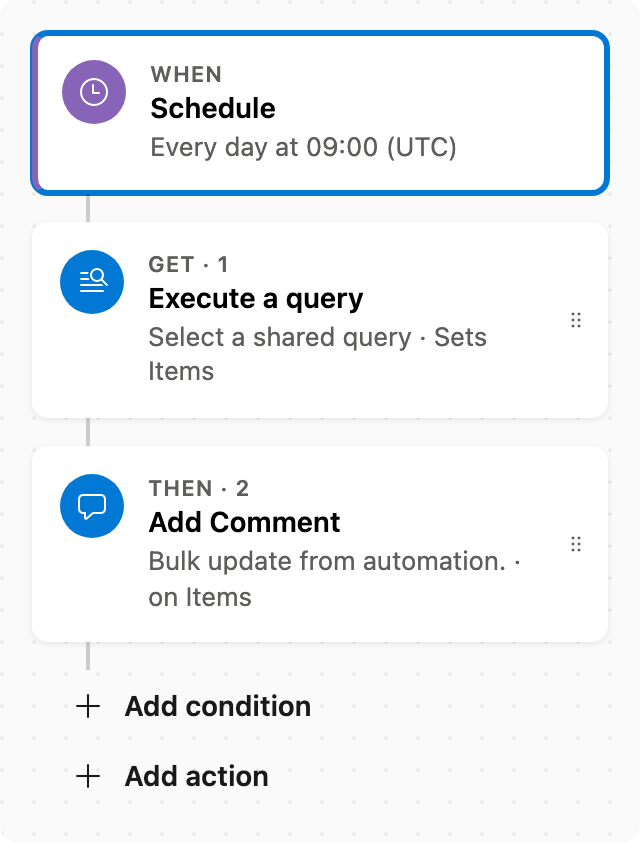
On a schedule, run a shared query and add a comment on each matching item (max 50) in Azure DevOps.
Before enabling this automation, you'll need to set a shared query, the comment text, and your preferred timezone. This ensures the automation runs correctly and updates the intended work items.
Prerequisite: Install Automations App on your Azure DevOps organization
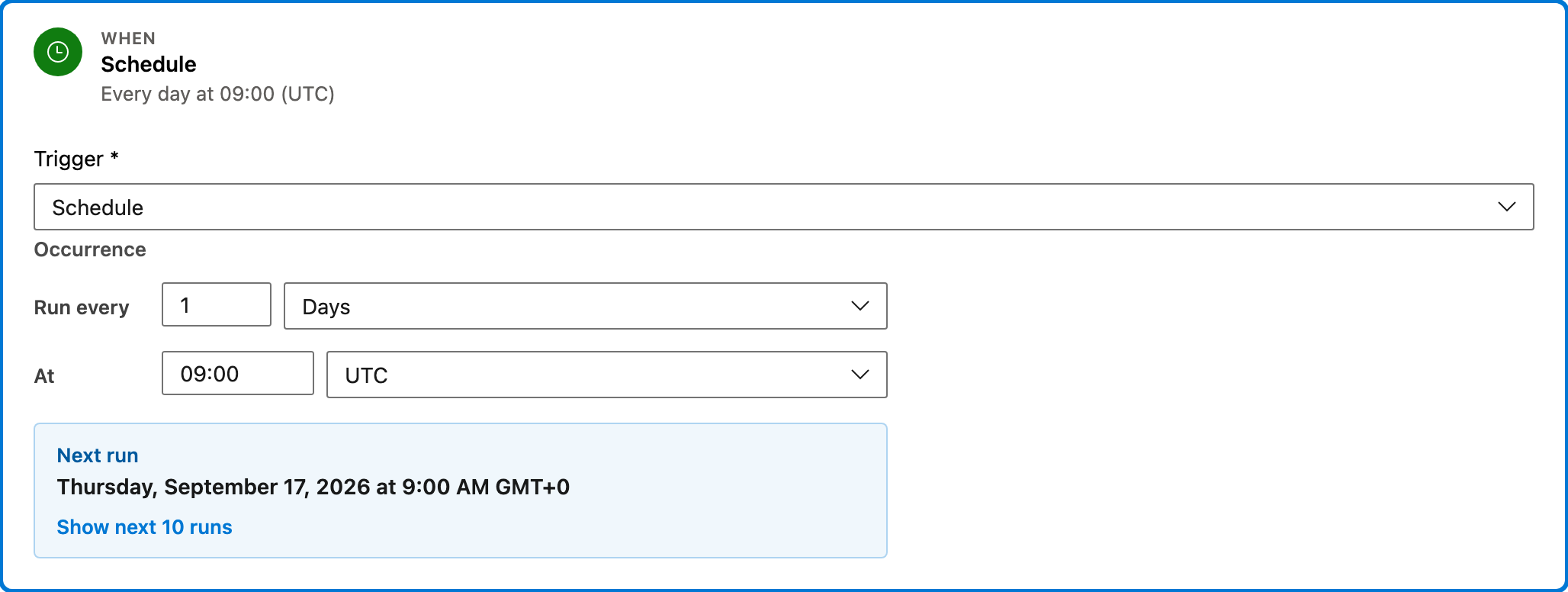
Trigger — Schedule
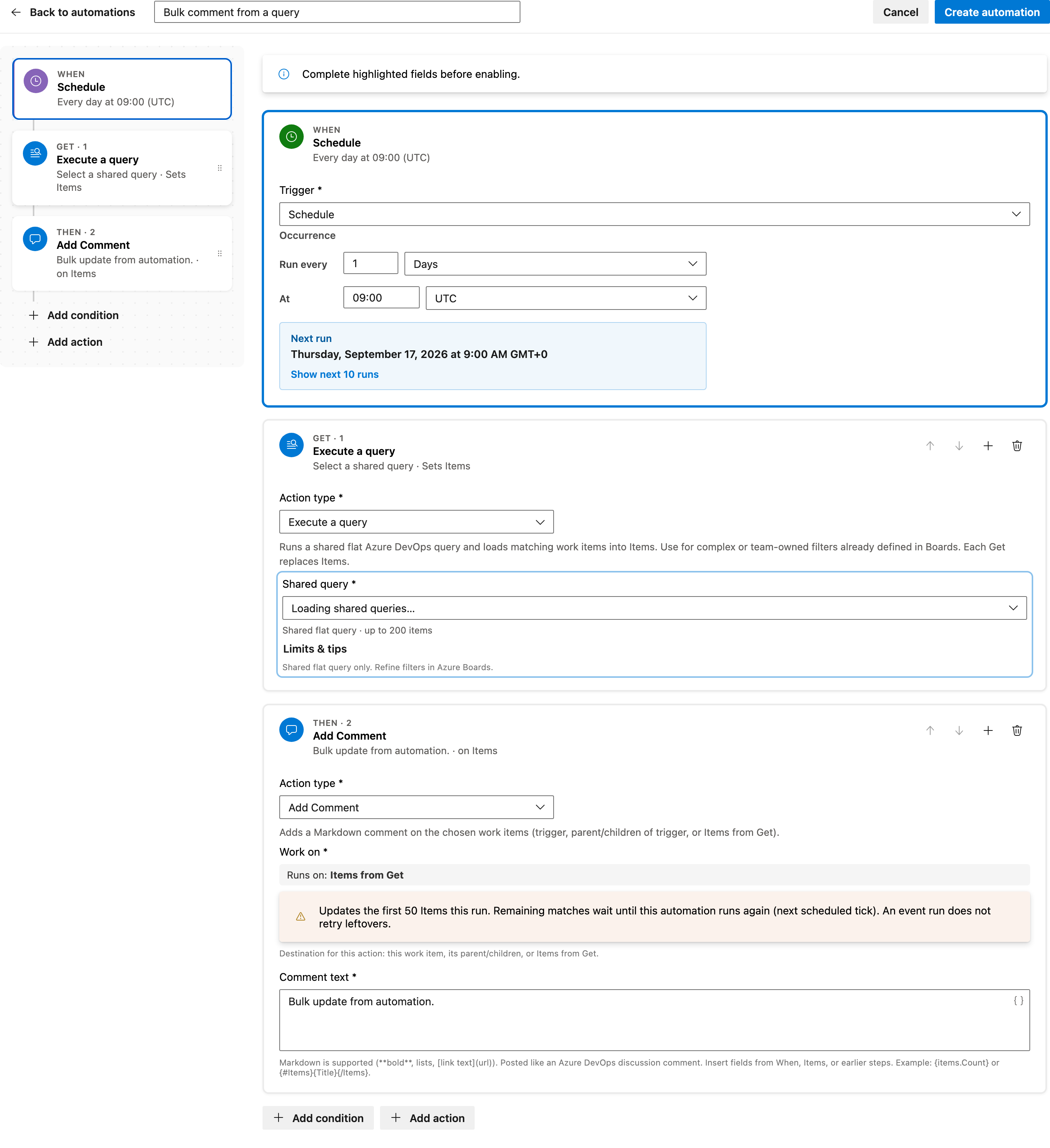
This step initiates the automation on a recurring schedule. It runs every day at 09:00 UTC, triggering the subsequent steps to execute the shared query and add comments.
Configured in this template
- Occurrence: Every day at 09:00 (UTC)
You can customize
- Adjust the occurrence time to fit your team's schedule.
- Change the frequency to weekly or monthly if daily updates are not needed.
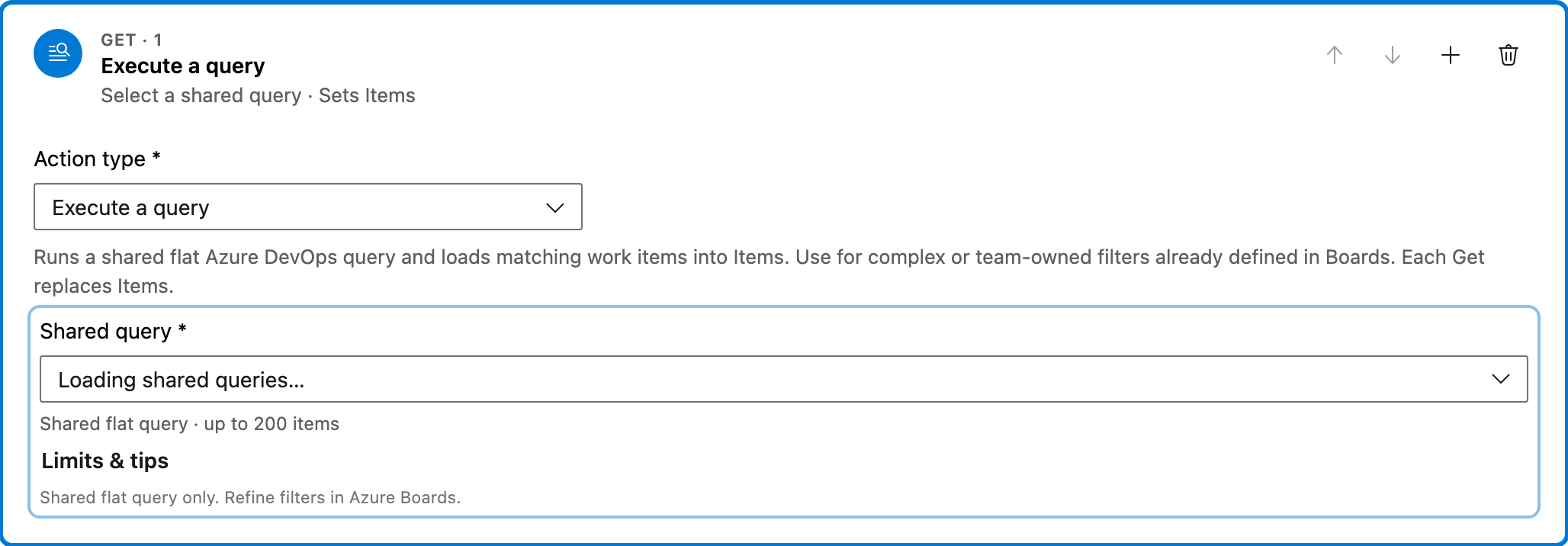
Get — Execute a query
This step runs a shared flat Azure DevOps query to retrieve work items. It's useful for applying complex filters defined in Boards, ensuring that only relevant items are processed.
Configured in this template
- Shared query: placeholder — pick a shared query in this project
You can customize
- Select a different shared query to target a specific set of work items.
- Modify the query in Azure DevOps Boards for different filtering criteria.
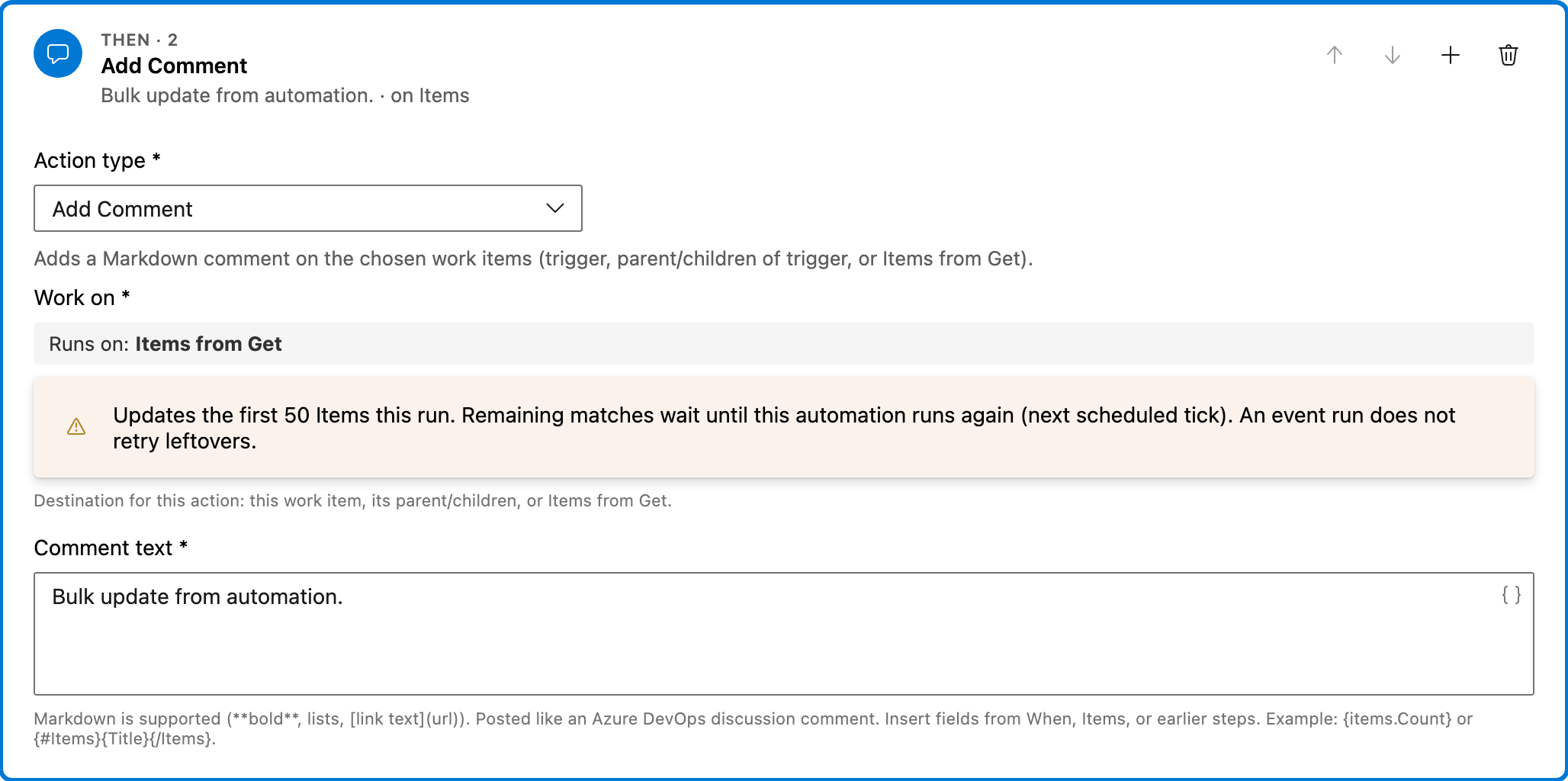
Action — Add Comment
This action adds a Markdown comment to each work item retrieved by the query. It updates the items with the specified comment text, which can be used for bulk updates or notifications.
Configured in this template
- Work on: Items from Get
- Comment text: Bulk update from automation.
You can customize
- Change the comment text to reflect the update or message you want to convey.
- Select different work items if needed by altering the query.
Full automation
Common questions
How do I bulk comment from a query in Azure DevOps?
What fields must I fill before enabling this automation?
Can I change the work item types this automation comments on?
How can I test this automation?
How do I adjust the schedule for different time zones?

Visual Studio Marketplace
Automations
Automate Azure DevOps workflows with triggers, actions, conditions, and scheduled rules.
Other Schedule & bulk templates in Automations.
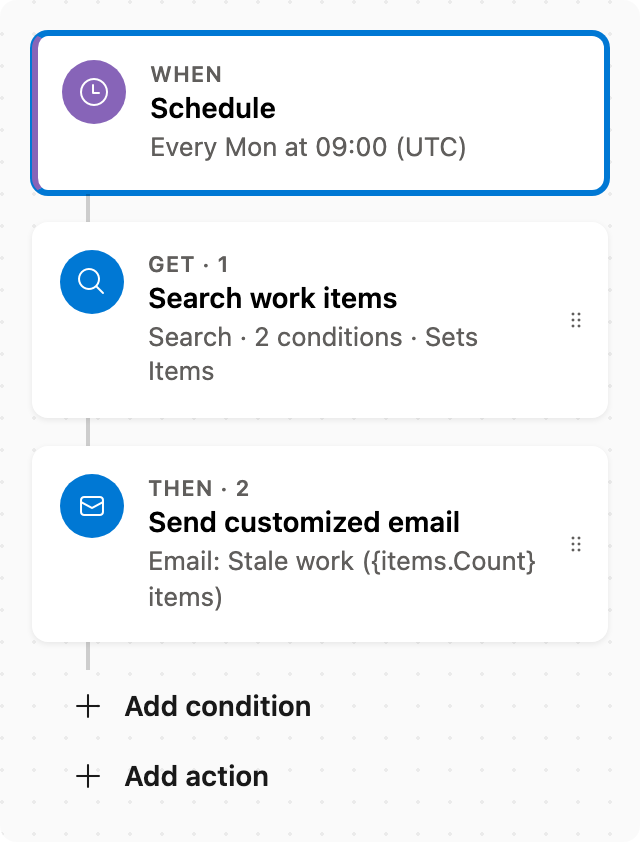
Stale work report
Every Monday, email incomplete work items not changed in 14+ days (Closed Date empty). Adjust the stale window, or add work item types (Bug, User Story, Task) if the list is too broad.
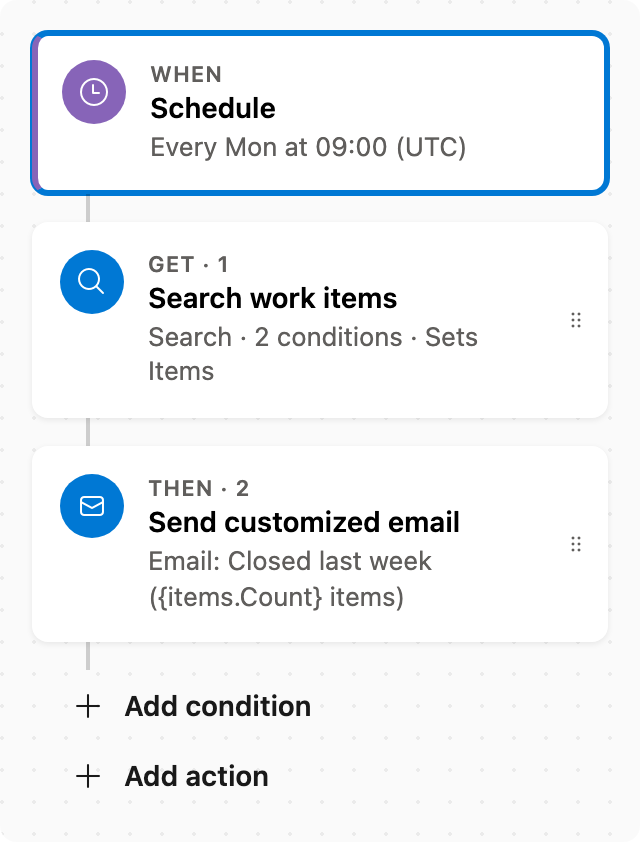
Weekly closed work report
Every Monday, email a report of work items whose Closed Date is in the last 7 days. Closed Date covers Done as well as Closed.
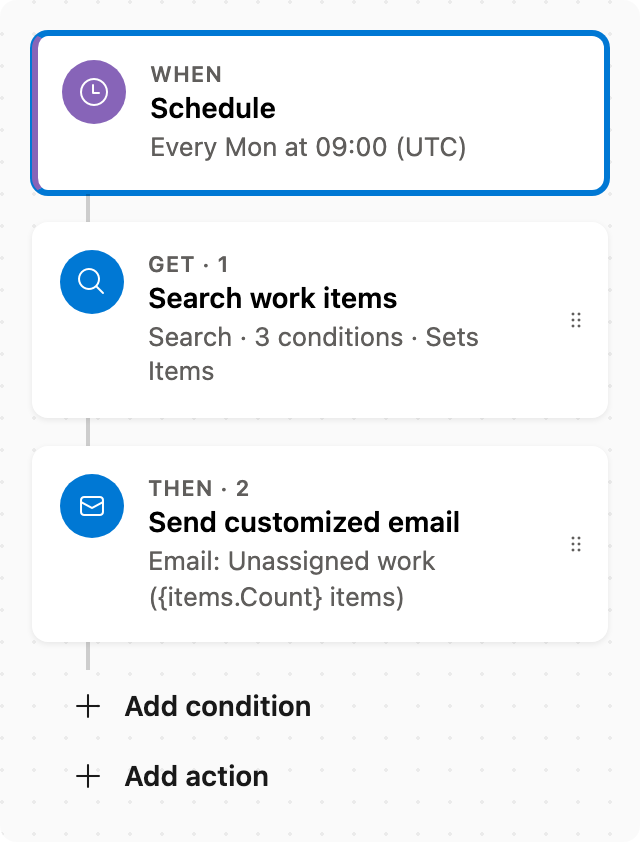
Unassigned work report
Every Monday, email incomplete work items with no assignee, excluding Proposed (New, To Do, …). Closed Date empty.
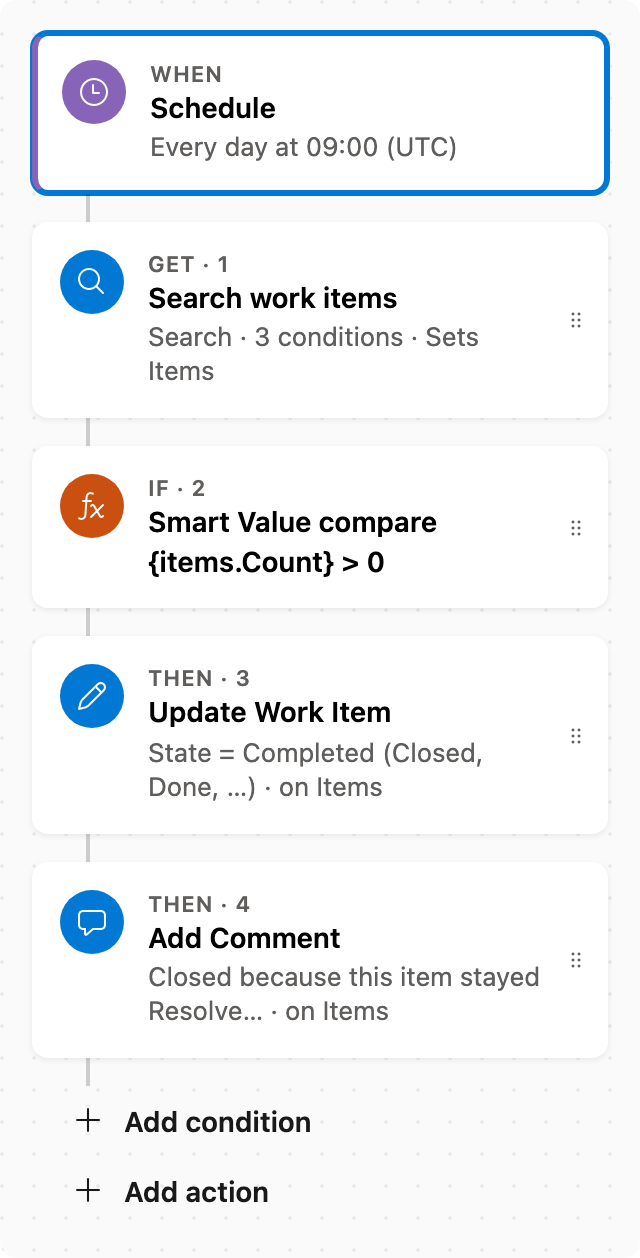
Close resolved work after 30 days
Daily, find items in the Resolved state category unchanged for 30+ days, set State to Completed (Closed or Done for the work item type), and add a comment (max 50 per run; the rest wait for the next day).