Export Azure DevOps Work Items to Excel
Export Azure DevOps work items to a formatted Excel workbook, not a CSV. Comments, attachments, and links each get their own sheet. Start from the extension, a sprint, or a query.
Prerequisite: Install Export to Excel on your Azure DevOps organization
Open the extension and choose how to export
Open Export to Excel in the project, then use one of the ways below. You can start in the extension, on a sprint, or in a query.
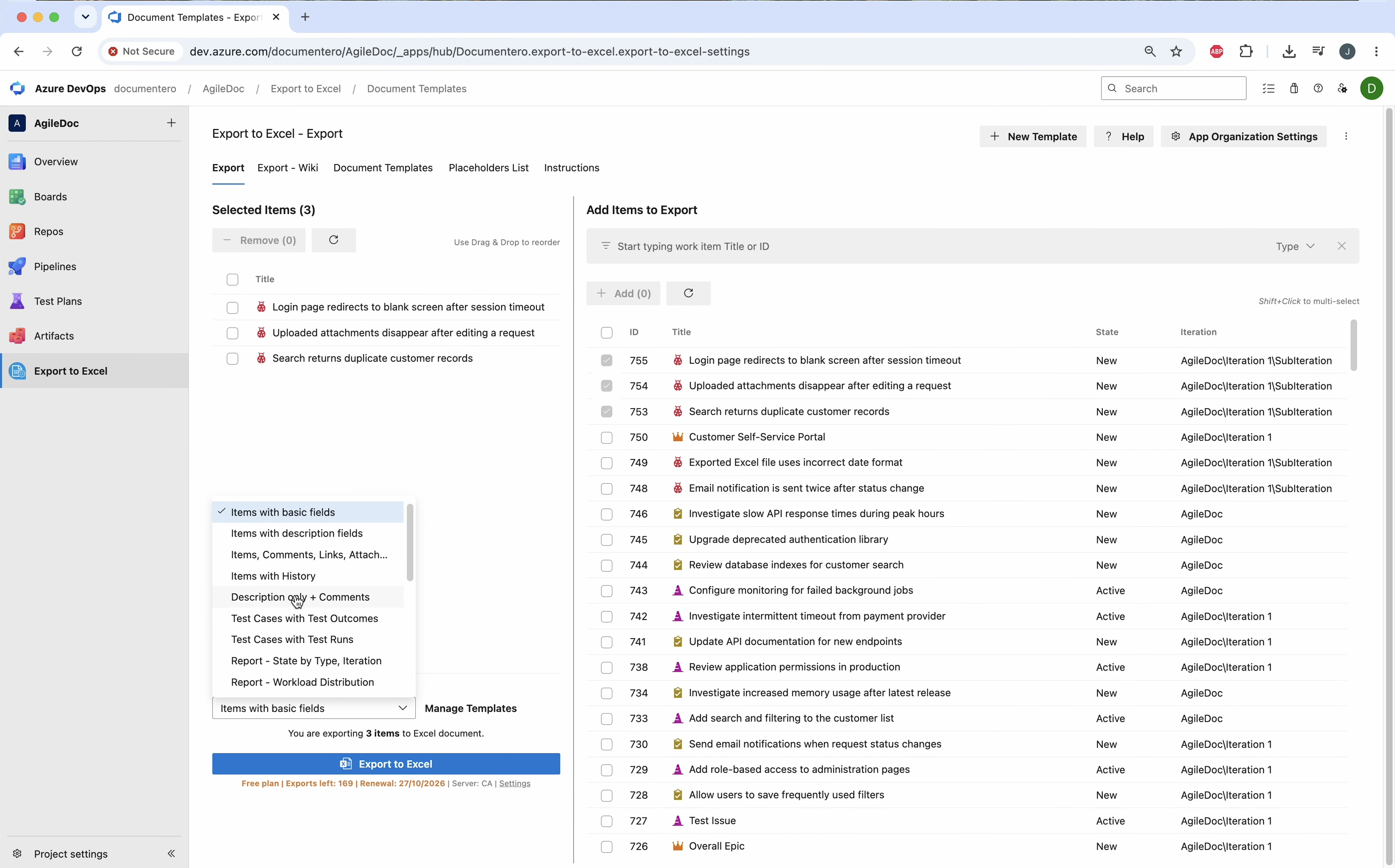
From the extension
In Export to Excel, add the work items and pick a template such as Items with Comments, Attachments, Links.
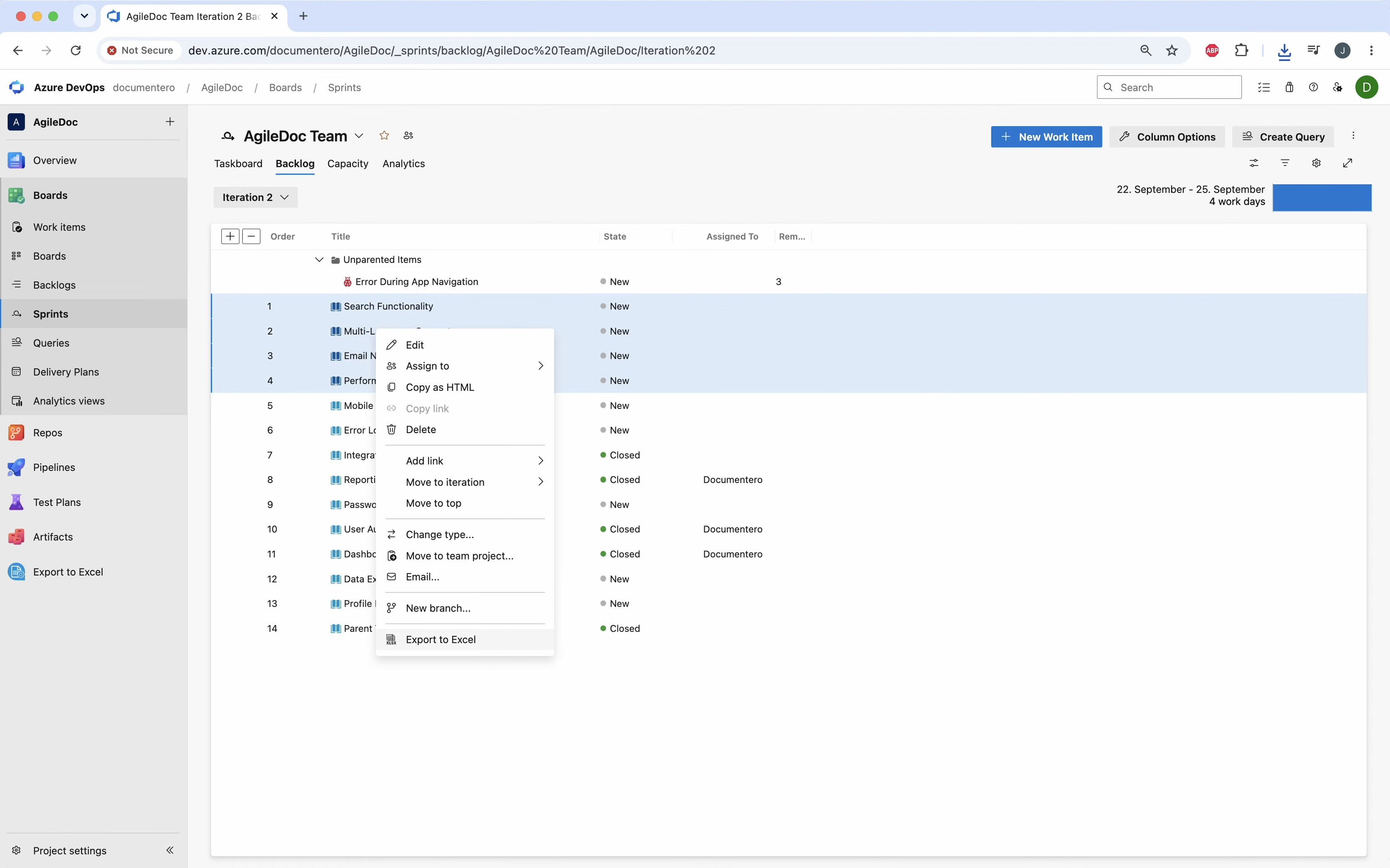
From a sprint
On Boards → Sprints, select the work items and choose Export to Excel from the context menu.
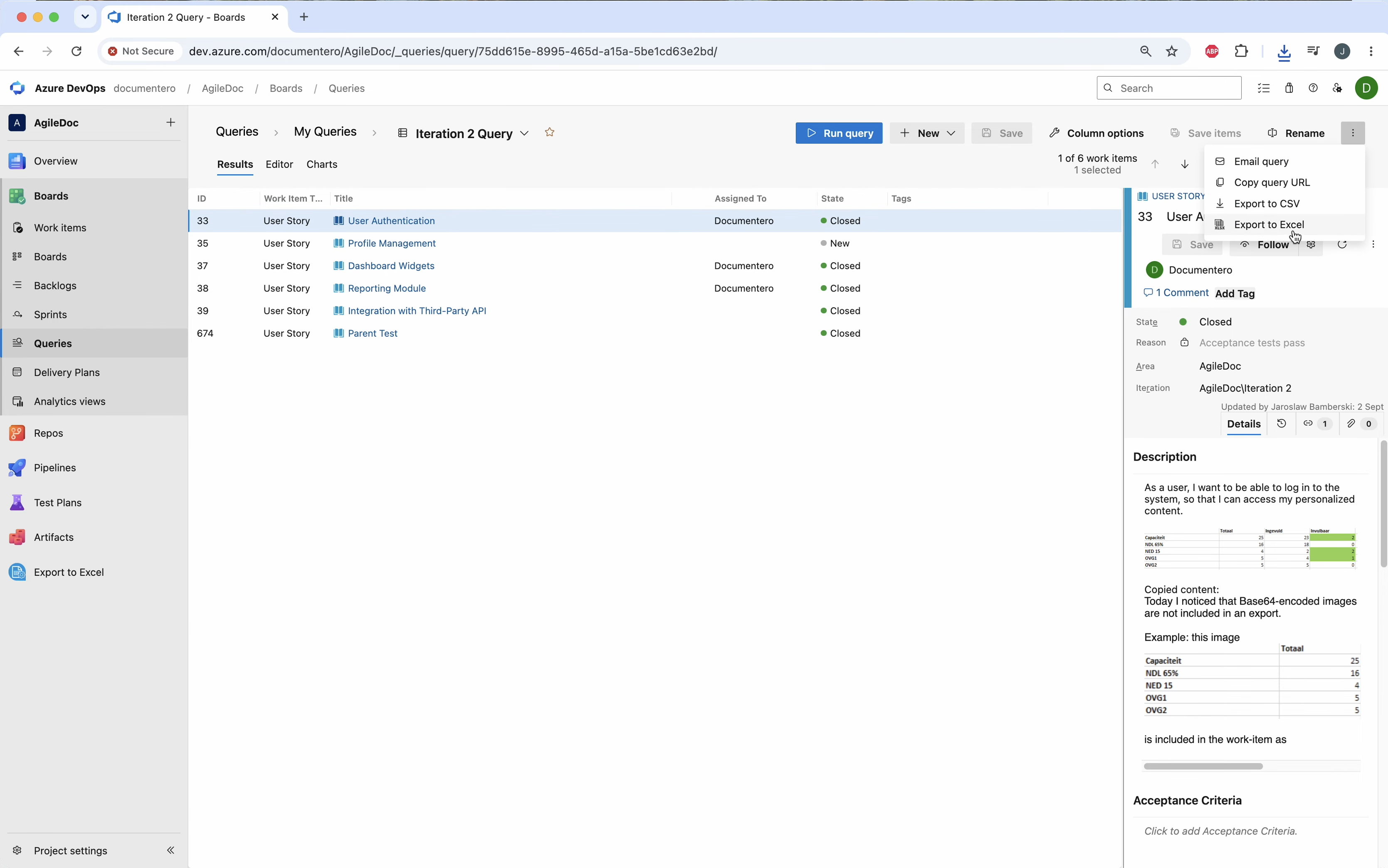
From a query
Open a query, select the results, and choose Export to Excel.
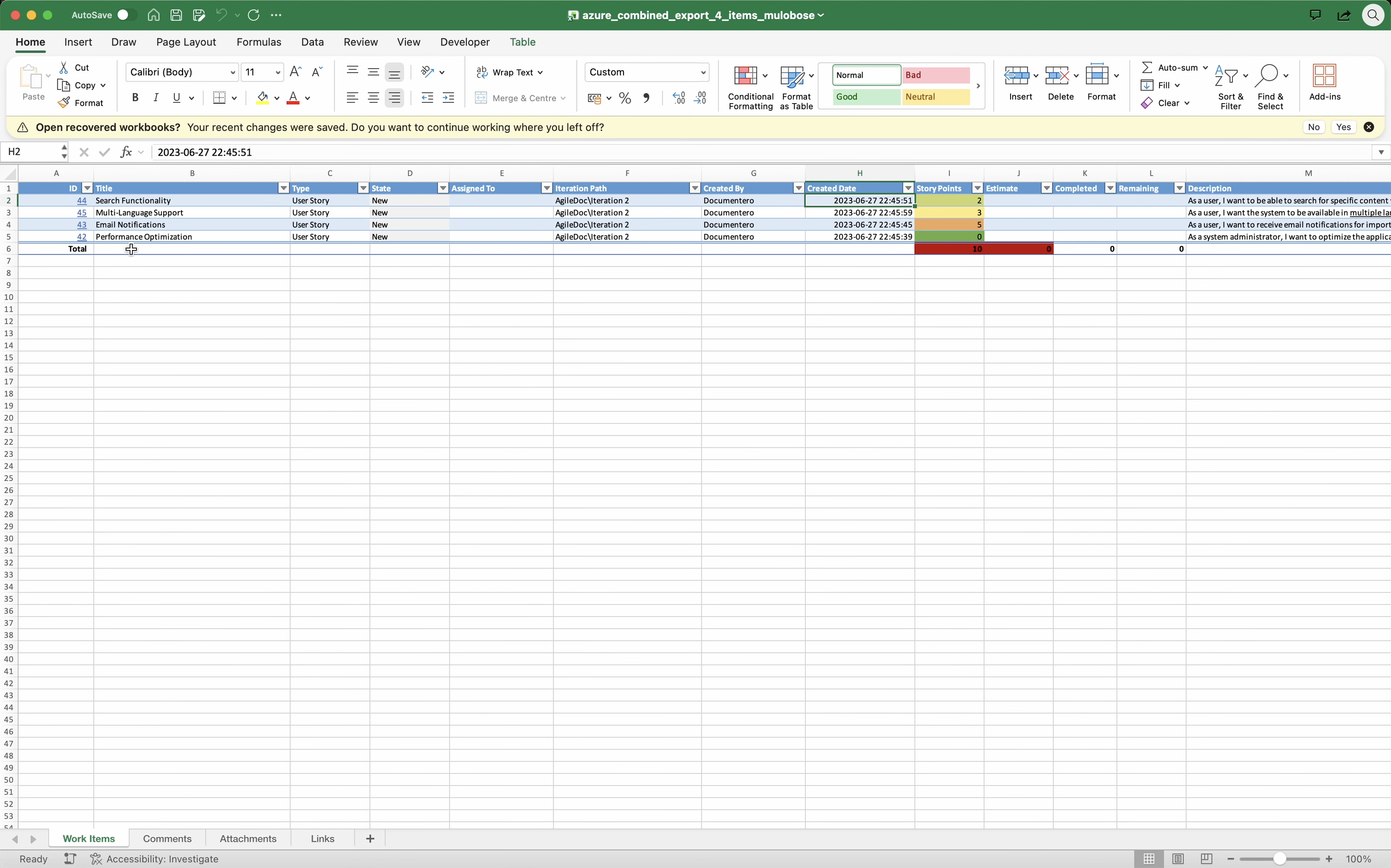
Review the workbook
Open the file. Work items, comments, attachments, and links are on separate sheets you can filter and sort.
Common questions
How do I export Azure DevOps work items to Excel?
.xlsx file.How do I export an Azure DevOps query to Excel?
How is this different from Export to CSV?
Can I export the same work items to Word or PDF?
Visual Studio Marketplace
Export to Excel
Export work items, test plans, wiki pages, and work item history to Excel.
Other Export to Excel guides
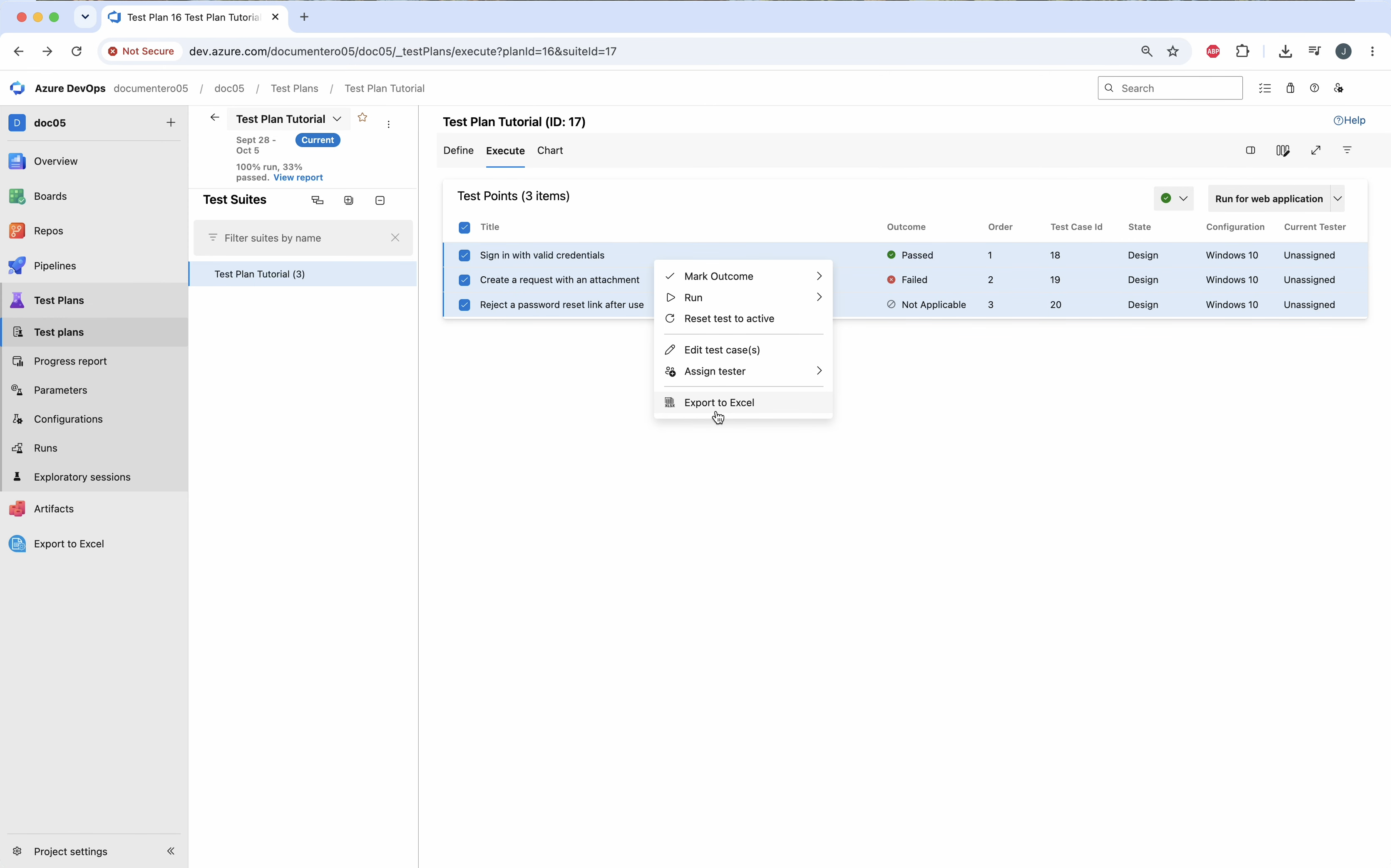
Export test plans to Excel
Export Azure DevOps test results to Excel. Use Test cases with Test Outcomes for a result per case, or Test cases with Test Runs for every step.
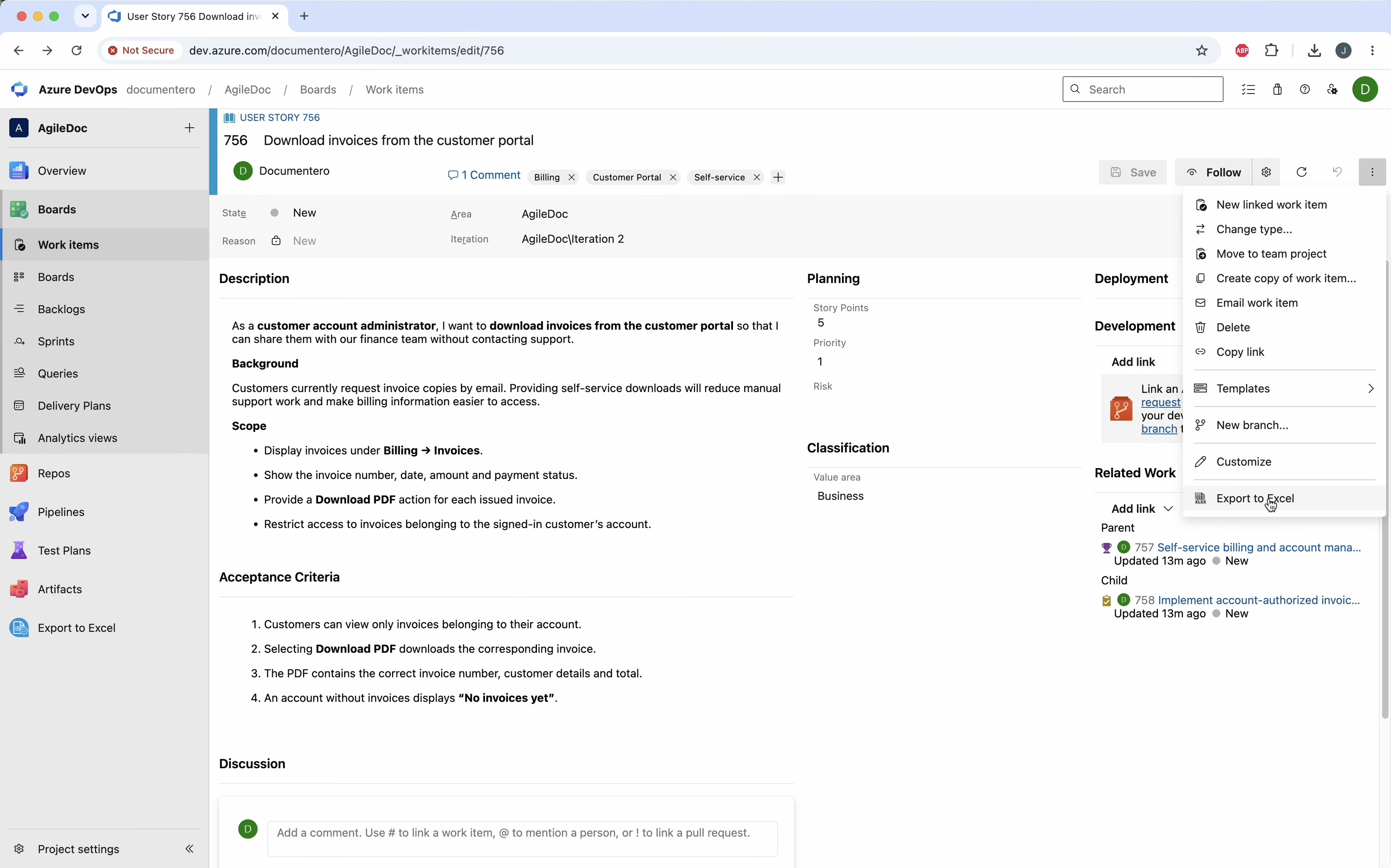
Export work item history to Excel
Export Azure DevOps work item revision history to Excel. Items with History writes each field change, comment, and edit as a row, including who changed it and when.
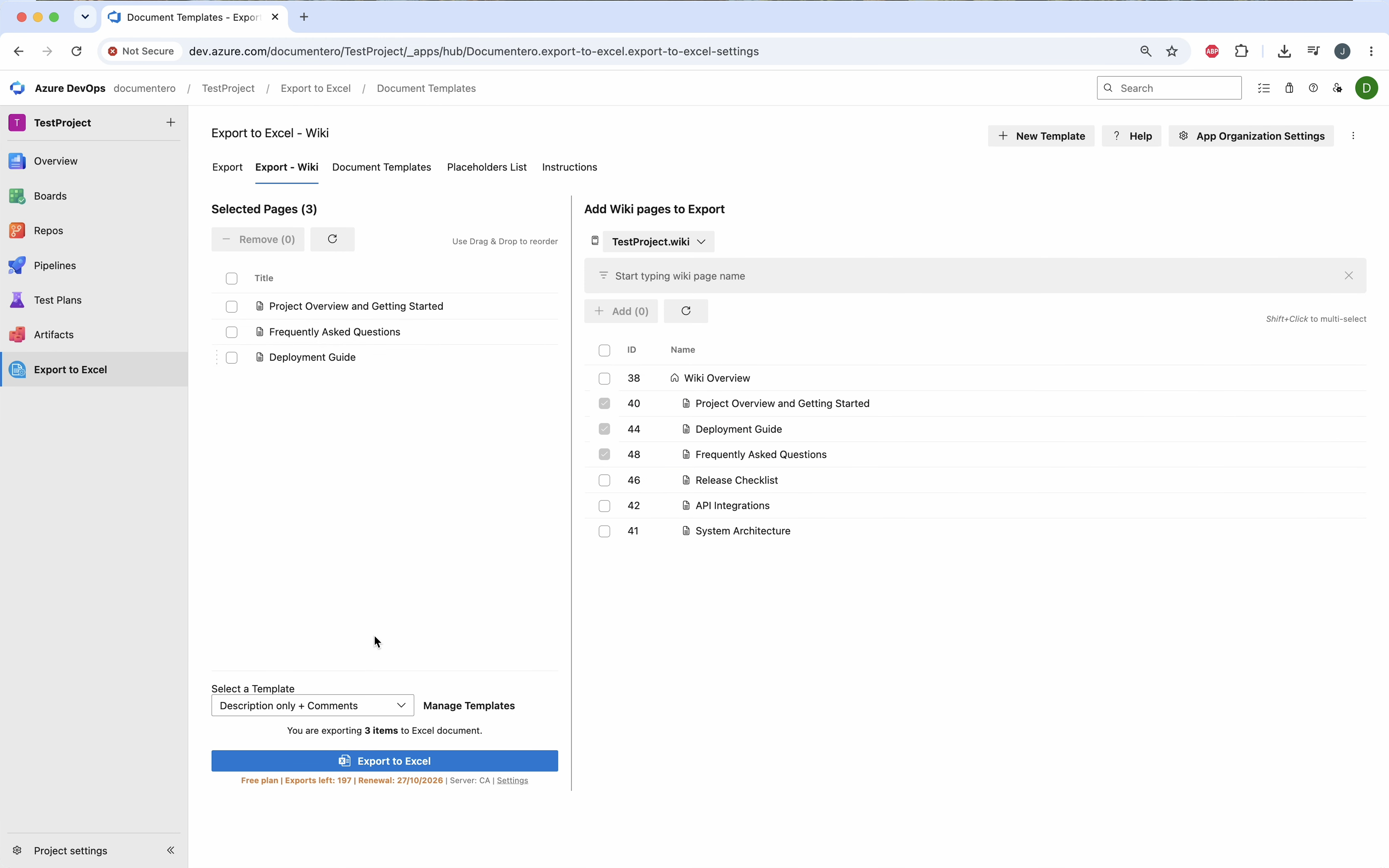
Export wiki pages to Excel
Export Azure DevOps wiki pages to Excel when you want page text and comments in a sheet you can filter. For a formatted PDF or Word file, export the wiki to a document instead.