Create Bug when pipeline fails in Azure DevOps
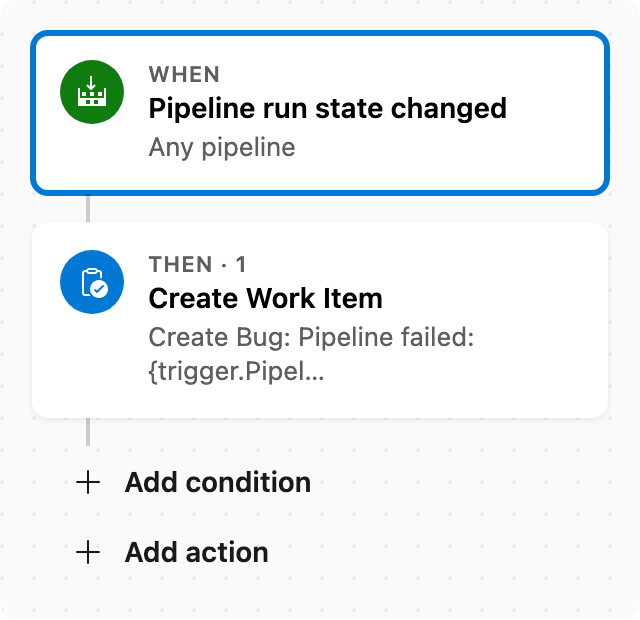
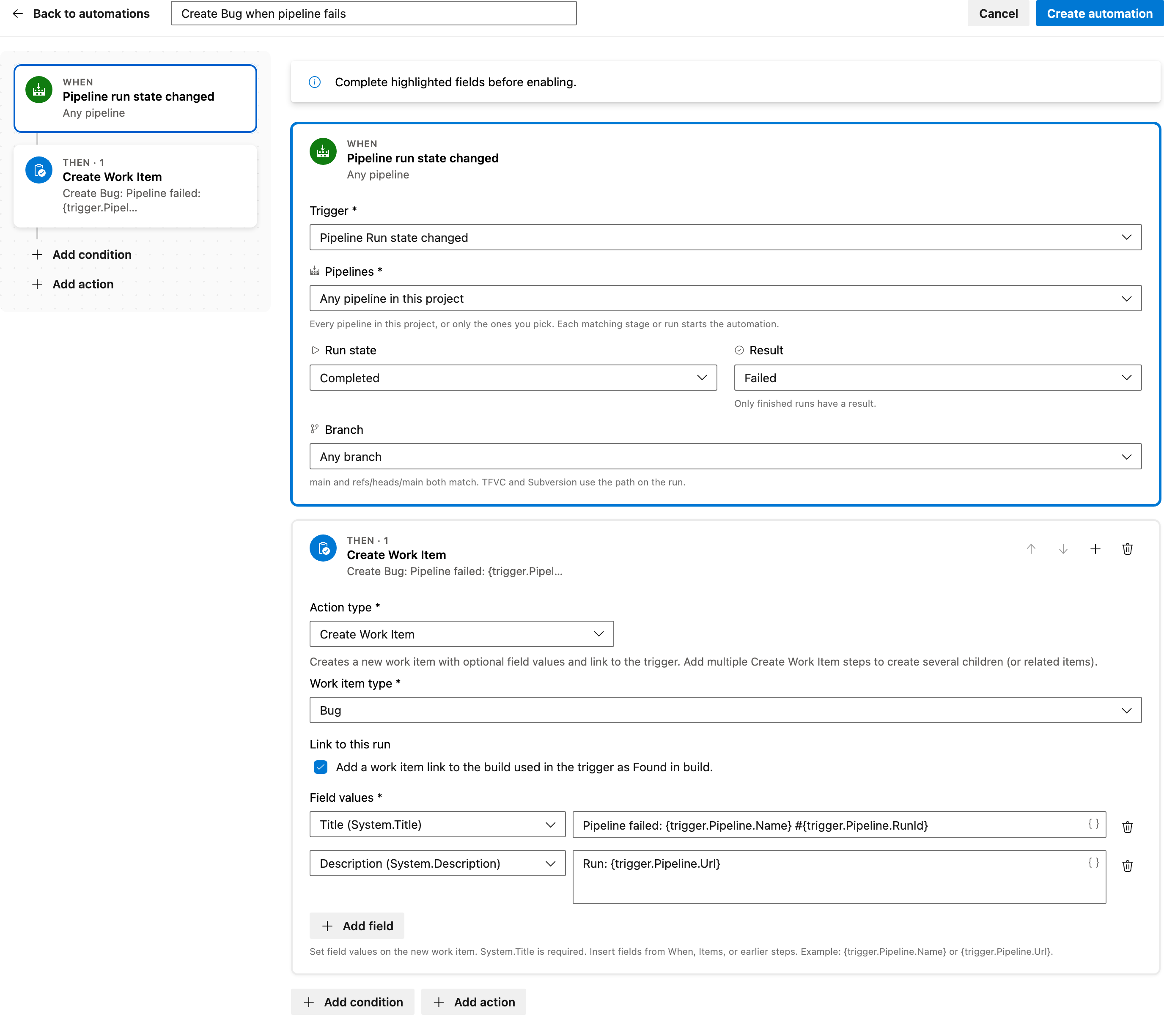
When a pipeline fails, create a Bug linked to that run in Azure DevOps.
Use the Create Bug when pipeline fails template in Documentero Automations. It watches every pipeline in the project and creates one Bug for each failed run.
Prerequisite: Install Automations App on your Azure DevOps organization
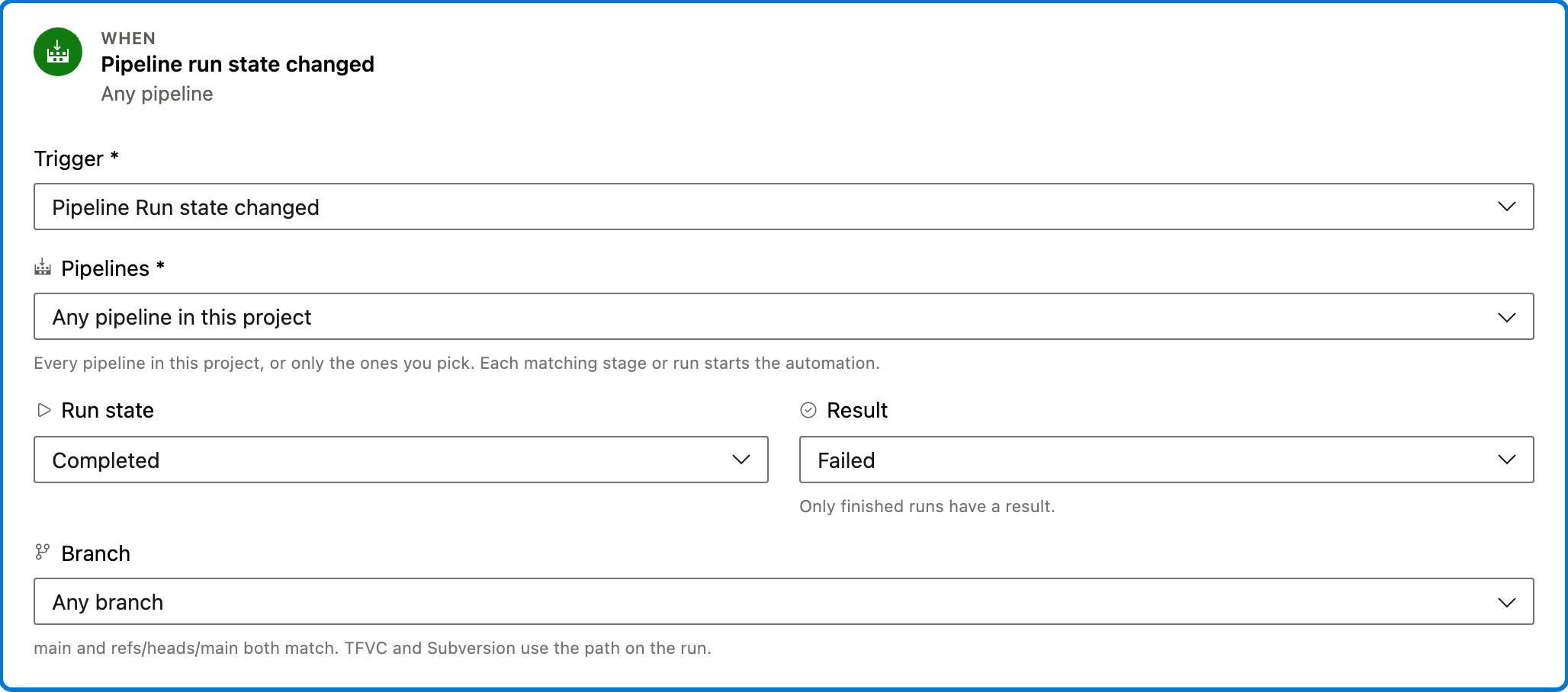
Trigger — Pipeline run state changed
Fires when a pipeline run starts, is canceling, or finishes. YAML and classic builds are both included. A finished run starts the automation once. This template starts when the run is Completed and the result is Failed, for any pipeline in the project.
Configured in this template
- Pipelines: any pipeline in this project
- Run state: Completed
- Result: Failed
You can customize
- Limit Pipelines to specific definitions if only some failures should create a Bug.
- Change the result if a canceled run should create a work item as well.
Action — Create Work Item
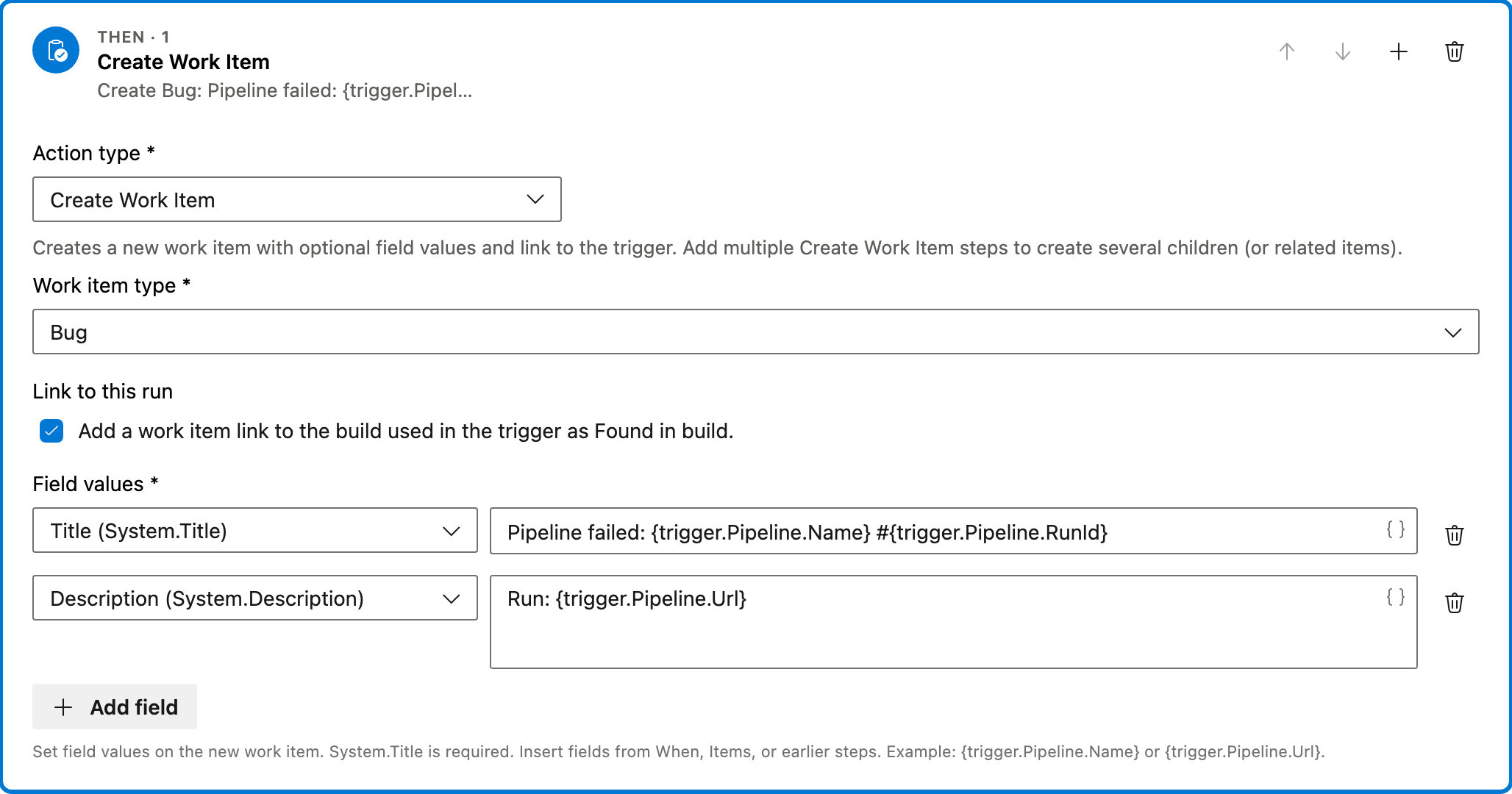
Creates a Bug and links it to the failed run. The title includes the pipeline name and run id. The description includes the run URL. It does not link the Bug to the triggering work item.
Configured in this template
- Work item type: Bug
- Link to trigger: No link
- Link to this run: yes
- Field values:
- - Title = Pipeline failed:
{trigger.Pipeline.Name}#{trigger.Pipeline.RunId} - - Description = Run:
{trigger.Pipeline.Url}
You can customize
- Change the work item type if a failed run should create a Task or another type instead of a Bug.
- Edit the title and description. Smart Values fill in the pipeline name, run id, and URL.
- Add another Create Work Item step if one failure should create more than one item.
Full automation
Common questions
How do I create Bug when pipeline fails in Azure DevOps?
Can this create a Task instead of a Bug?
Which pipelines start this automation?
How is the new Bug tied to the run?

Visual Studio Marketplace
Automations
Automate Azure DevOps workflows with triggers, actions, conditions, and scheduled rules.
Other Pipelines templates in Automations.
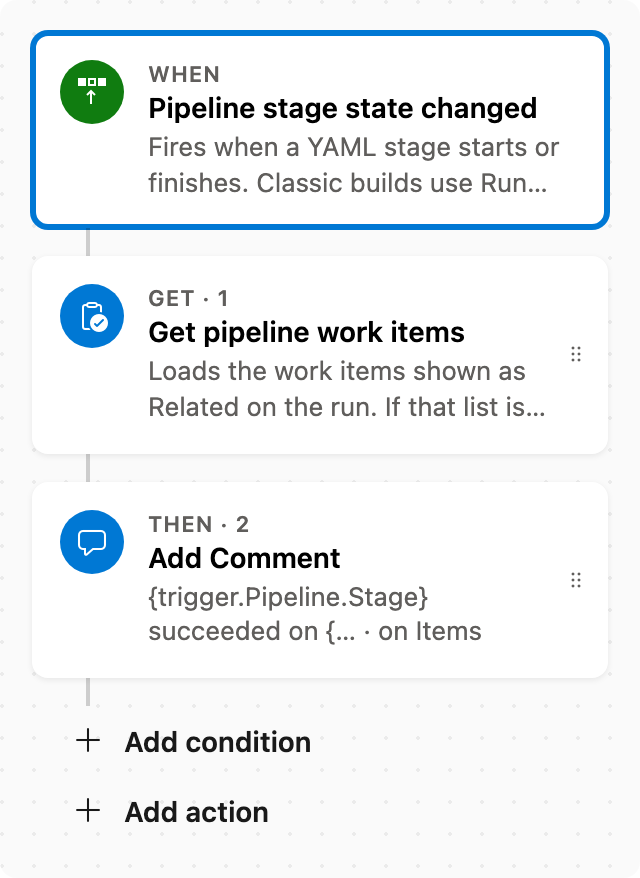
Comment on related items when a stage succeeds
When a pipeline stage succeeds, comment on the related work items from that run.
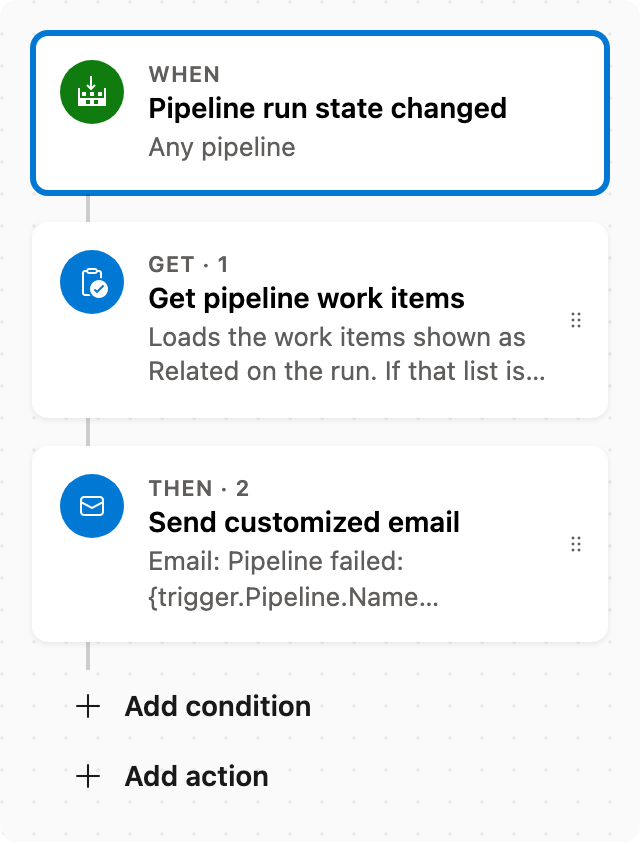
Email related items when a pipeline fails
When a pipeline fails, email the related work items from that run.
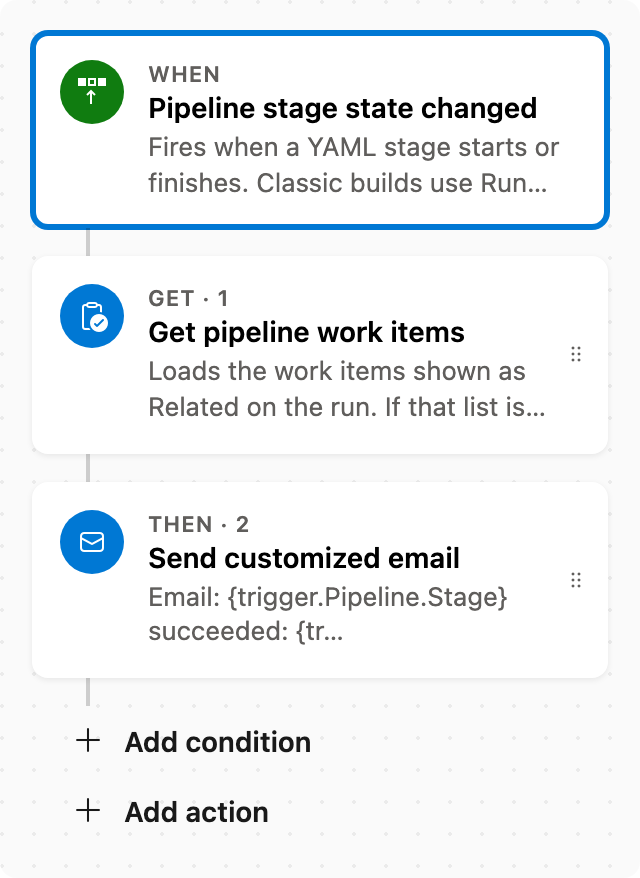
Email related items when a stage succeeds
When a pipeline stage succeeds, email the related work items from that run.
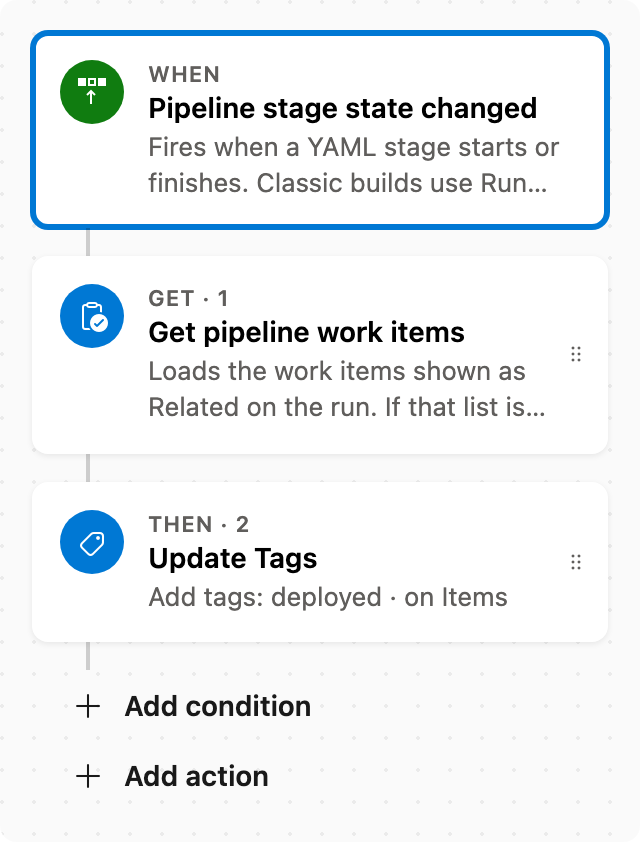
Tag related work items when a pipeline stage succeeds
When a pipeline stage succeeds, add the tag deployed to the related work items from that run.