Comment on related items when a stage succeeds in Azure DevOps
When a pipeline stage succeeds, comment on the related work items from that run in Azure DevOps.
Use the Comment on related items when a stage succeeds template in Documentero Automations. You choose which pipeline and which stage before you enable it.
Prerequisite: Install Automations App on your Azure DevOps organization
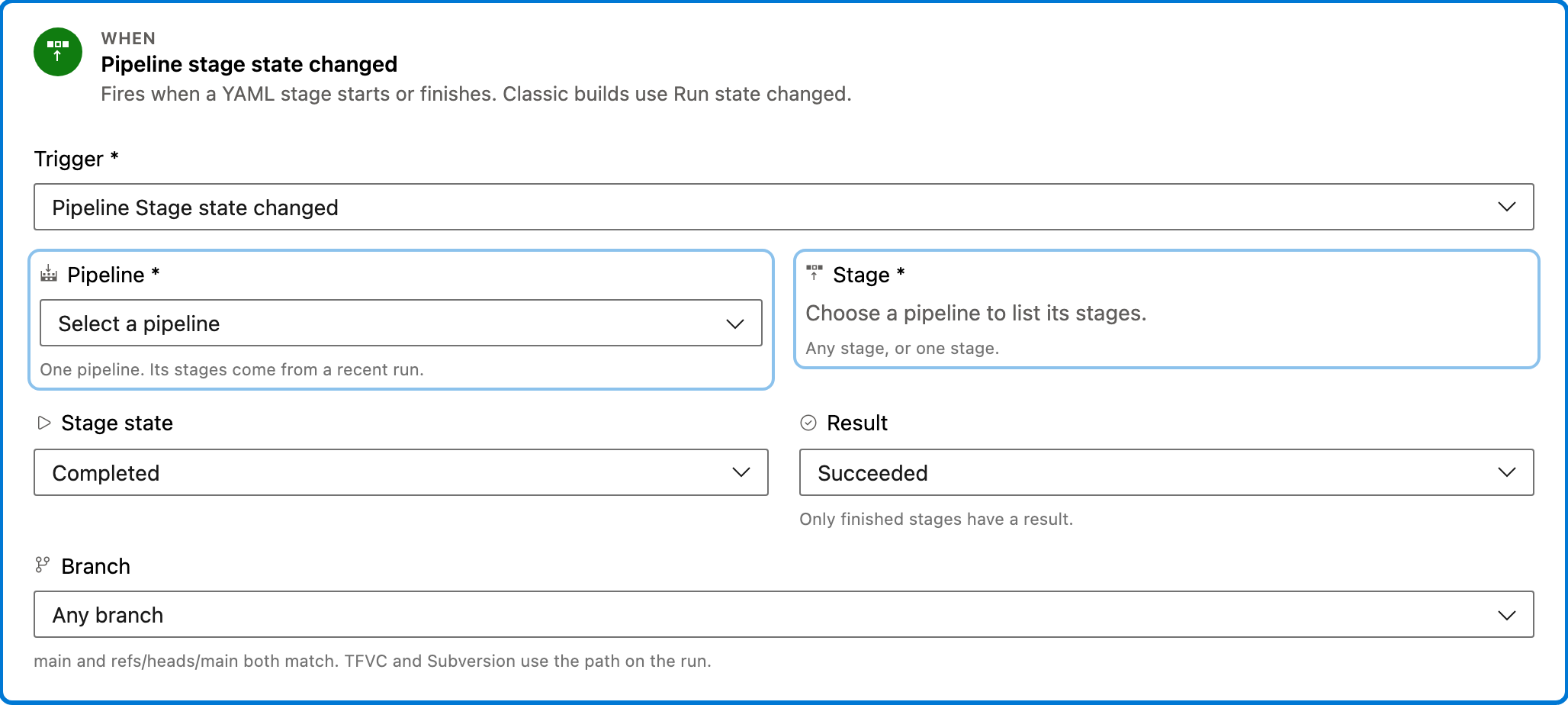
Trigger — Pipeline stage state changed
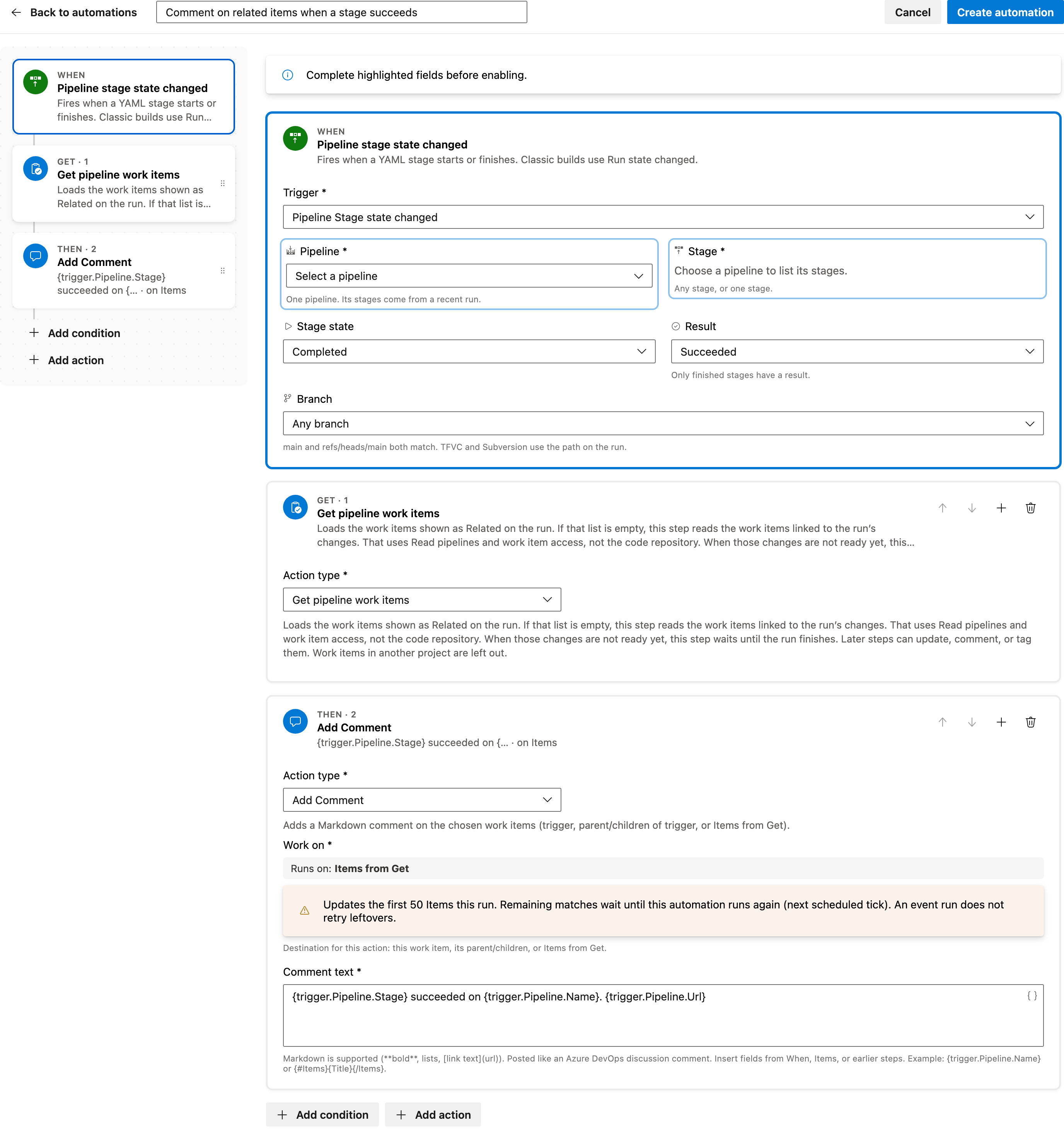
This step runs when a YAML stage starts or finishes. This template starts only when the stage is Completed and the result is Succeeded. Classic builds do not have stages; use Run state changed for those.
Configured in this template
- Stage state: Completed
- Result: Succeeded
You can customize
- Choose the pipeline and stage this rule should watch.
- Change the result if a different stage outcome should add the comment.
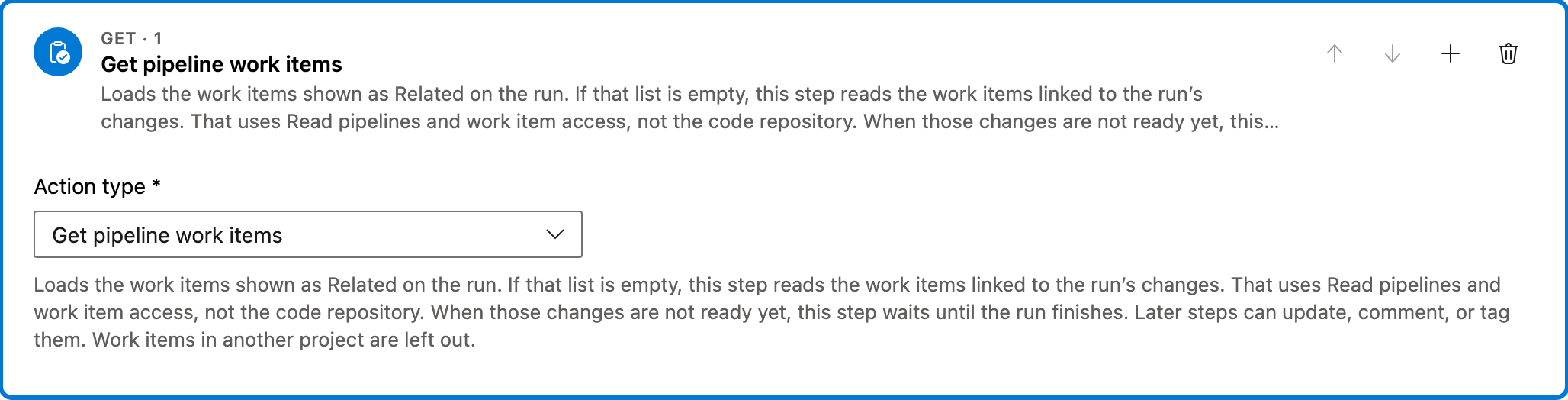
Get — Get pipeline work items
Loads the work items shown as Related on the run. If that list is empty, this step reads the work items linked to the run’s changes. It uses Read pipelines and work item access, not the code repository. If those changes are not ready yet, it waits until the run finishes. Work items in another project are left out. The comment is added to these items.
You can customize
- The comment is added to the items this Get returns. Work items in another project are not included.
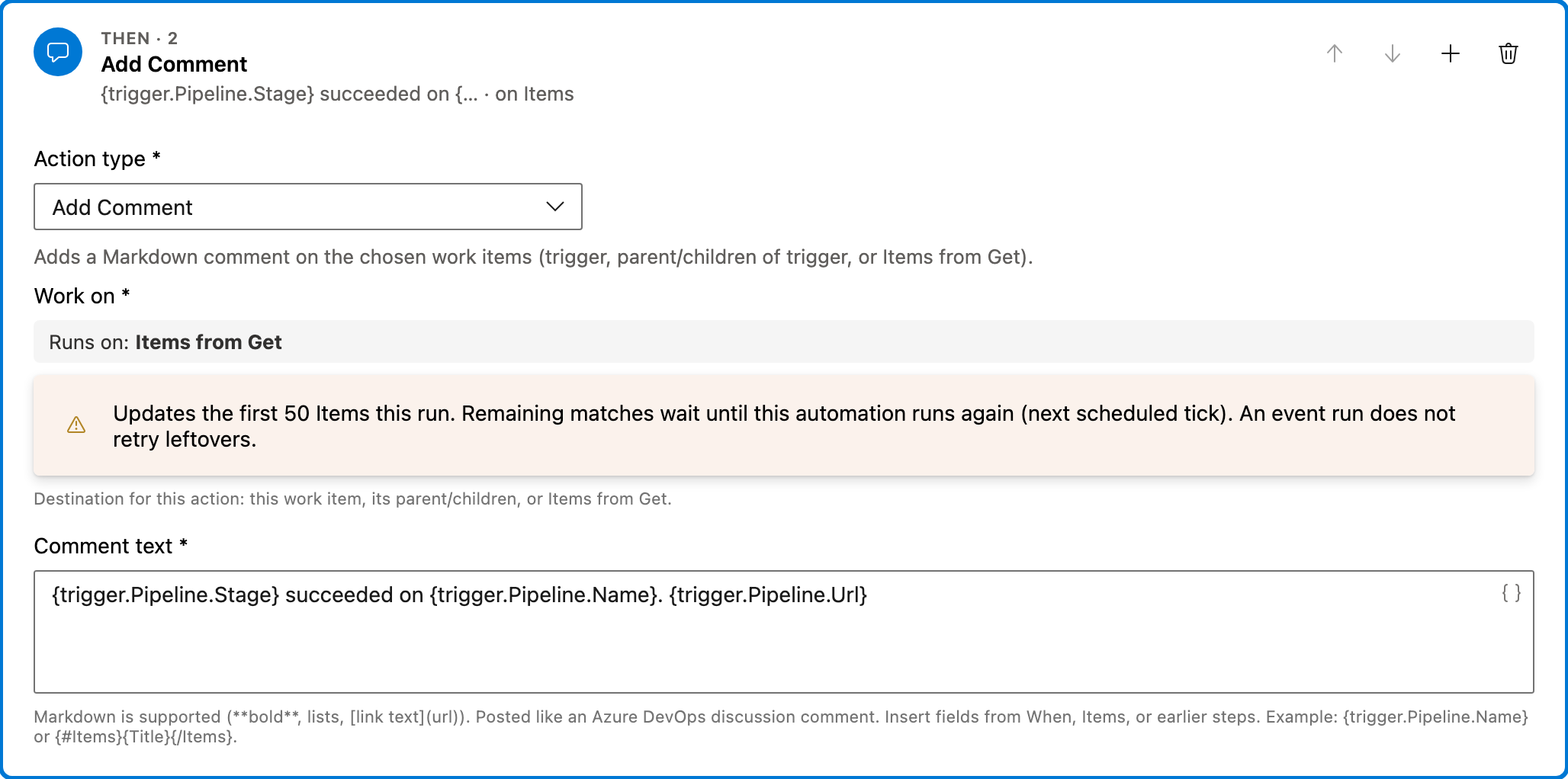
Action — Add Comment
Adds a Markdown comment on the work items from Get. The sample comment names the stage, the pipeline, and a link to the run.
Configured in this template
- Work on: Items from Get
- Comment text: `
{trigger.Pipeline.Stage}succeeded on{trigger.Pipeline.Name}.{trigger.Pipeline.Url}`
You can customize
- Edit the Markdown comment. You can mention people or include other Smart Values from the run.
- Keep the pipeline URL if readers should open the run from the work item.
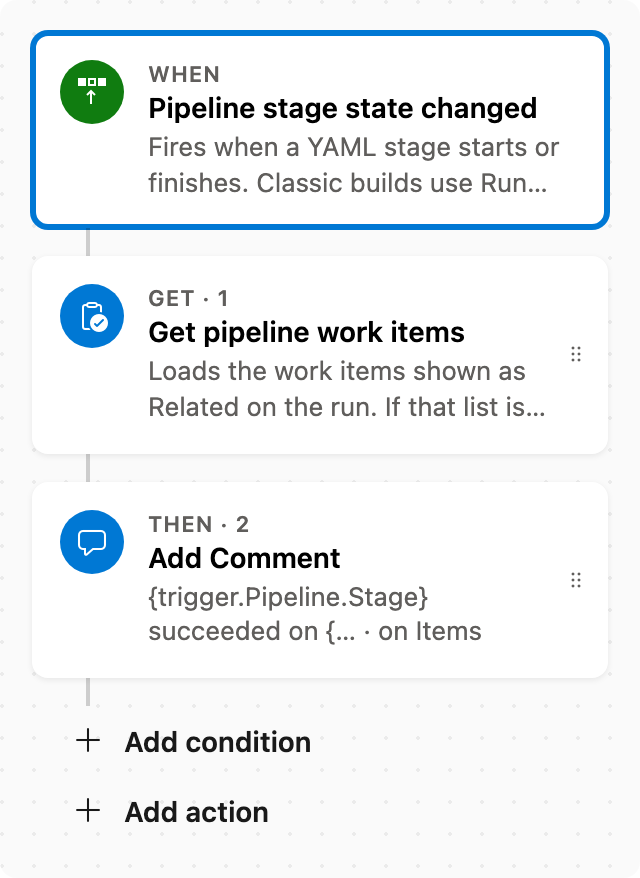
Full automation
Common questions
How do I comment on related items when a stage succeeds in Azure DevOps?
Which fields do I have to fill in before enabling this automation?
What does the comment say?
Which work items get the comment?

Visual Studio Marketplace
Automations
Automate Azure DevOps workflows with triggers, actions, conditions, and scheduled rules.
Other Pipelines templates in Automations.
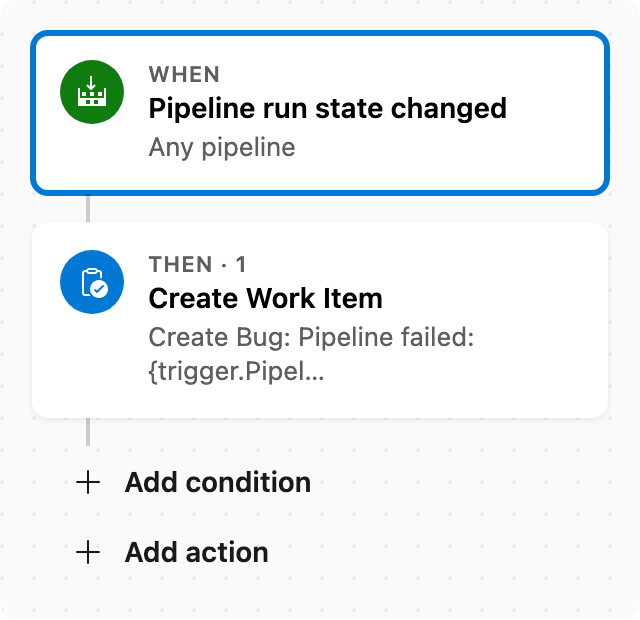
Create Bug when pipeline fails
When a pipeline fails, create a Bug linked to that run.
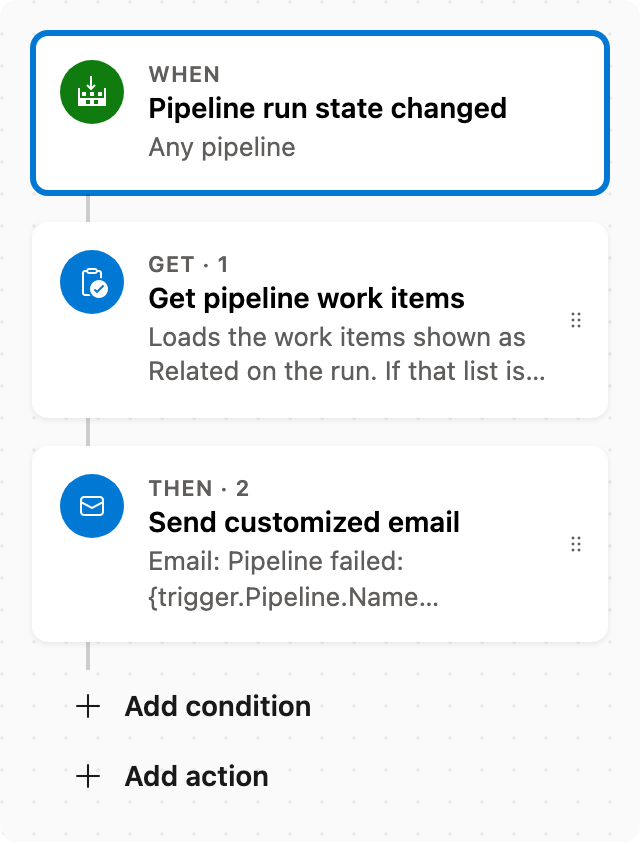
Email related items when a pipeline fails
When a pipeline fails, email the related work items from that run.
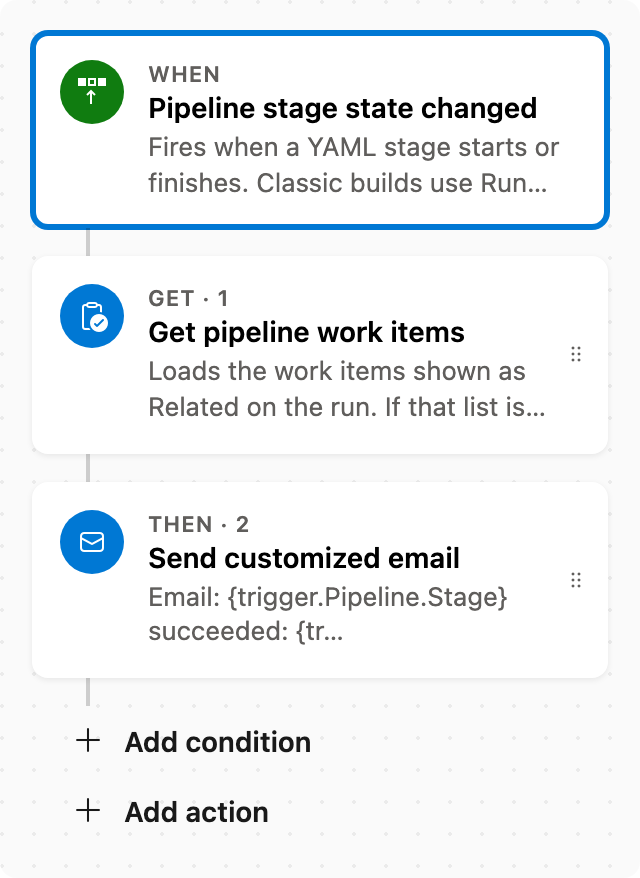
Email related items when a stage succeeds
When a pipeline stage succeeds, email the related work items from that run.
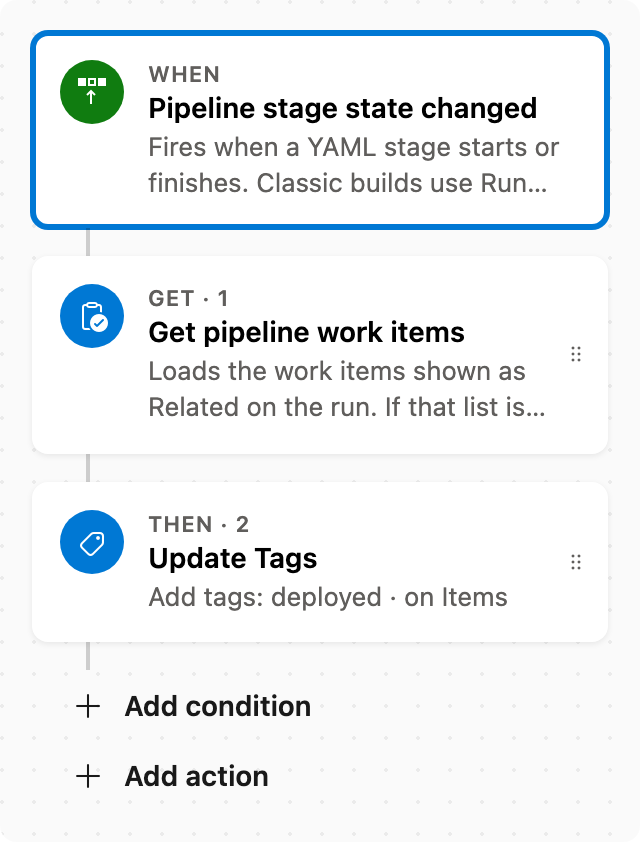
Tag related work items when a pipeline stage succeeds
When a pipeline stage succeeds, add the tag deployed to the related work items from that run.