Send email when a work item is closed in Azure DevOps
When State changes to Completed (Closed or Done), send an email in Azure DevOps.
You'll need to specify the email recipients before enabling this automation. This ensures that the right people are notified whenever a work item reaches completion.
Prerequisite: Install Automations App on your Azure DevOps organization
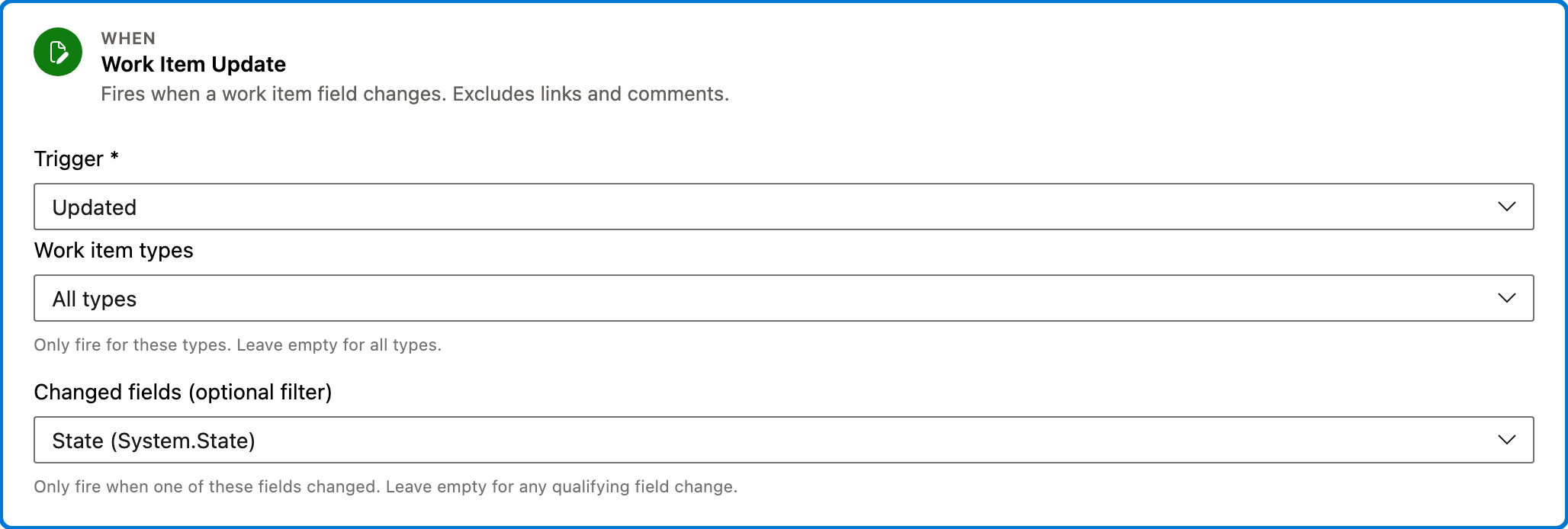
Trigger — Work Item Update
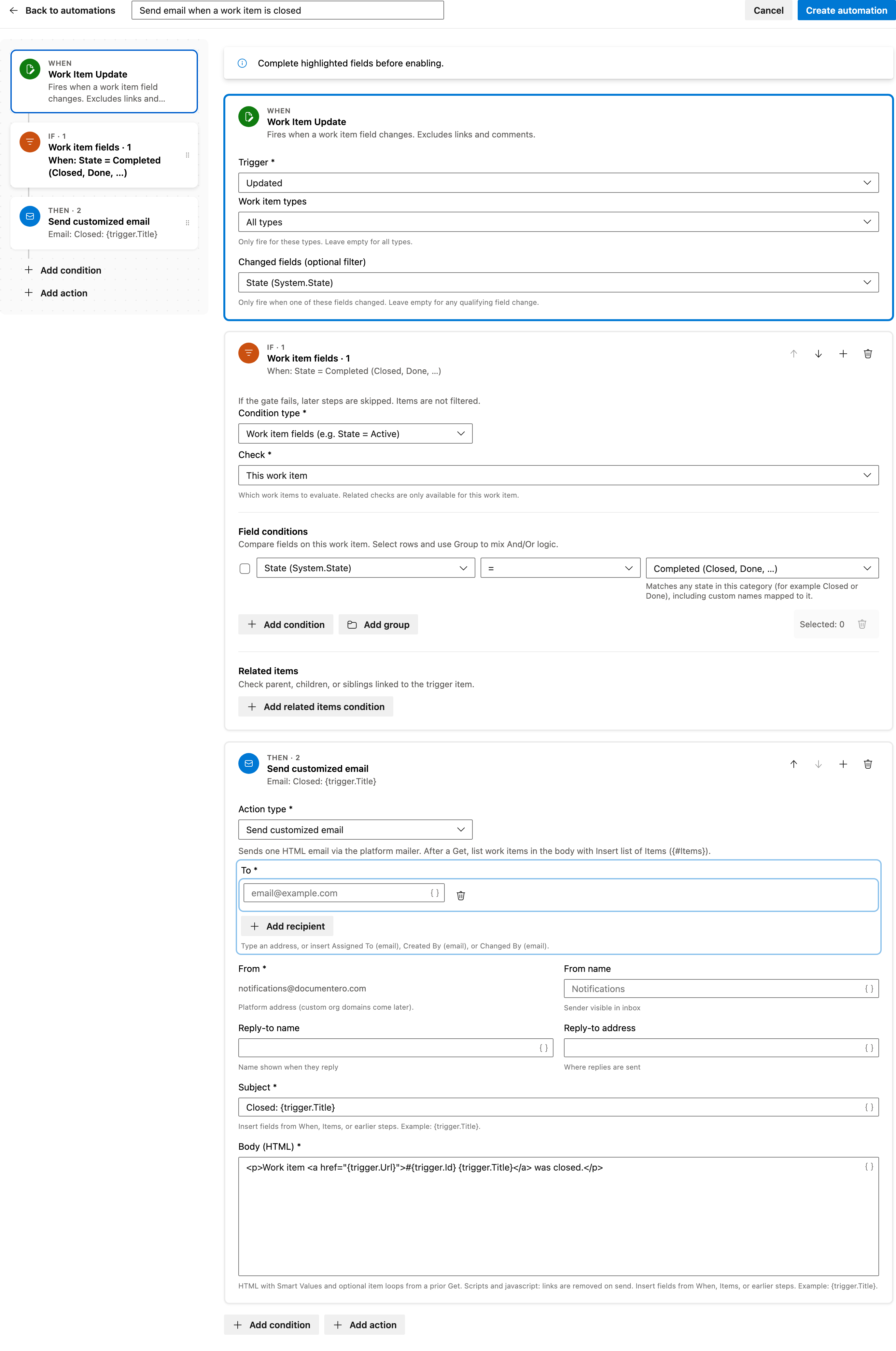
This trigger activates when a work item's field changes. It specifically monitors changes in the State field, which is crucial for detecting when a work item is marked as Completed.
Configured in this template
- Work item types: all (no filter)
- Changed fields (optional filter): State
You can customize
- Limit to specific work item types if needed.
- Add more fields to monitor if required.
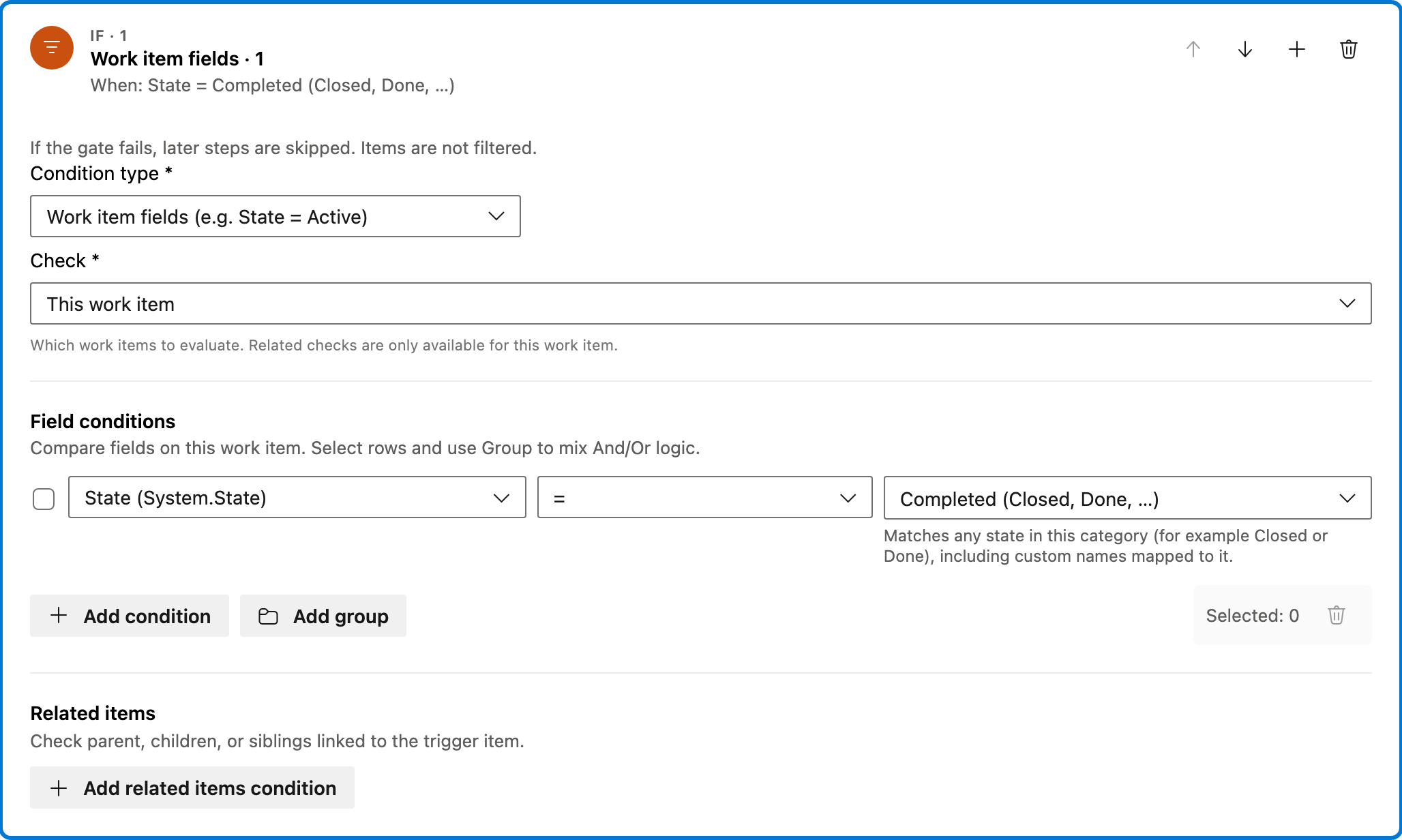
Condition — Work item fields
This condition checks if the work item's State field is set to a category indicating completion, such as Closed or Done. It ensures that the email is only sent when the work item is truly finished.
Configured in this template
- Check: This work item
- Require: All of Items
- Field conditions: State = state category Completed (Closed, Done, …)
- Match logic: All conditions must match (AND)
- Related work item conditions: (none)
You can customize
- Adjust the State category to match your team's workflow.
- Add additional conditions if necessary.
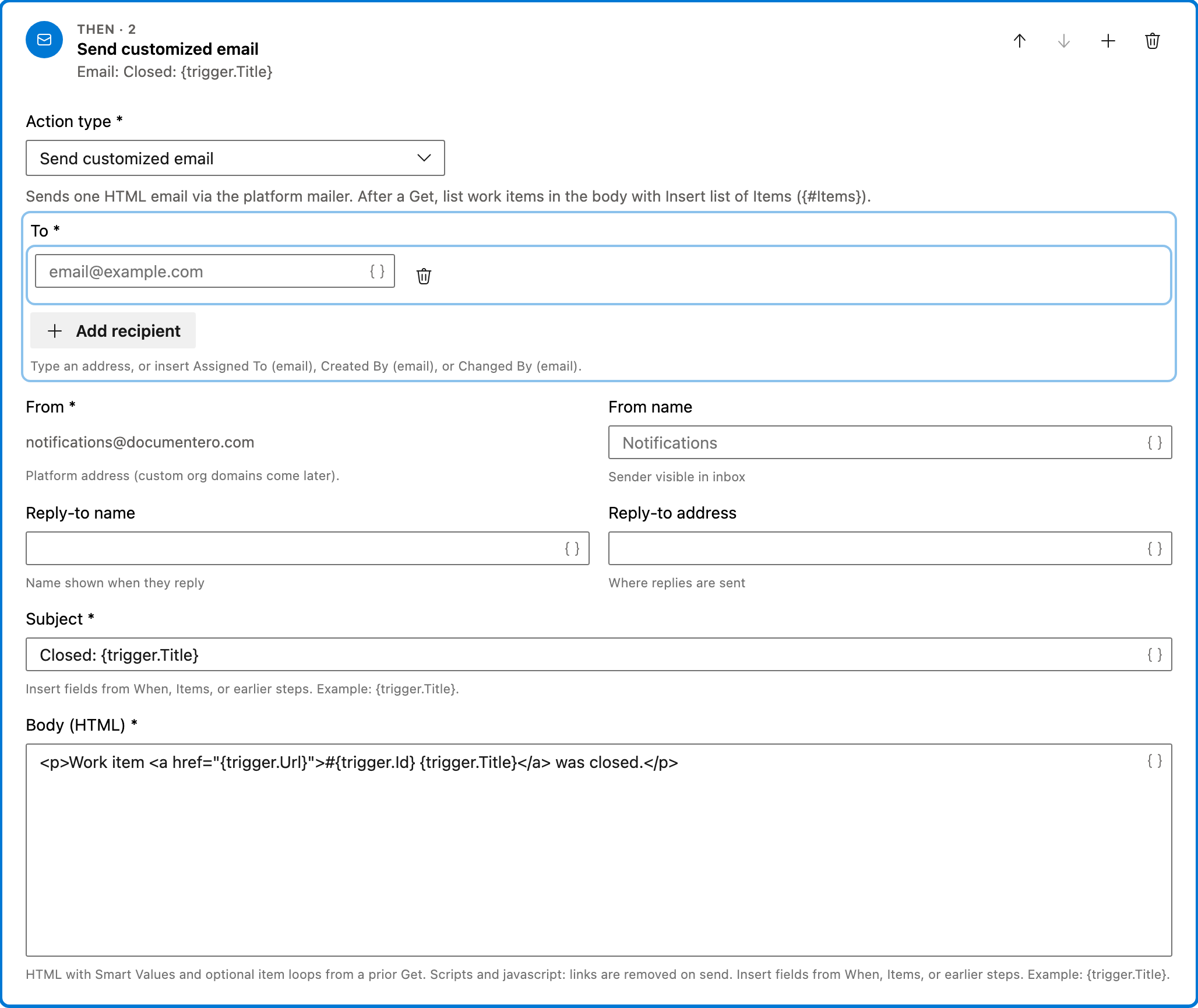
Action — Send customized email
This action sends an HTML email via the platform's mailer. The email includes a link to the closed work item, notifying the specified recipients of its completion.
Configured in this template
- To: (empty — add recipients)
- From: notifications@documentero.com
- Subject: `Closed:
{trigger.Title}` - Body (HTML): `<p>Work item <a href="
{trigger.Url}">#{trigger.Id}{trigger.Title}</a> was closed.</p>`
You can customize
- Add recipients to the 'To' field to ensure notifications are sent.
- Modify the email body to include additional information if needed.
- Change the subject line to better fit your team's communication style.
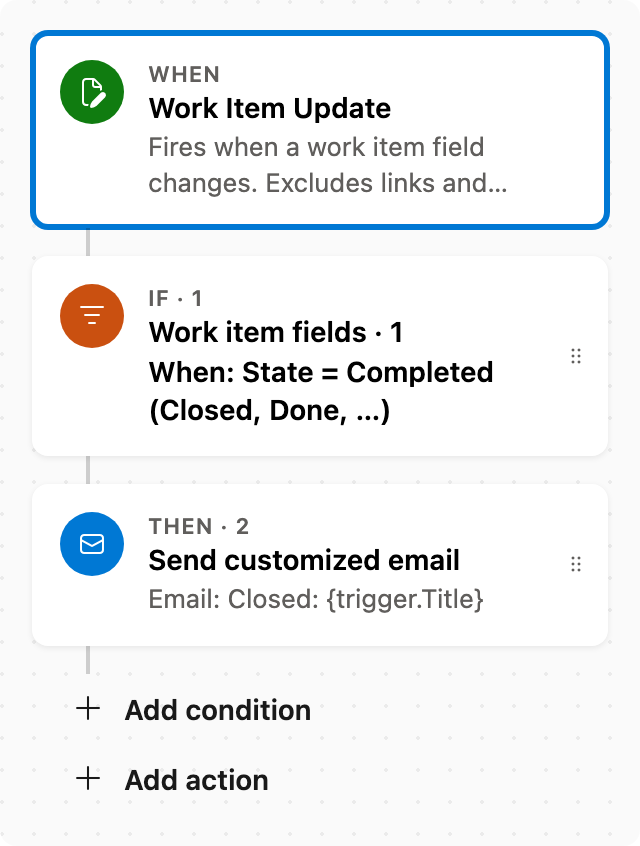
Full automation
Common questions
How do I send email when a work item is closed in Azure DevOps?
What fields are required to enable this automation?
Can I change the work item types this automation applies to?
How can I test this automation?

Visual Studio Marketplace
Automations
Automate Azure DevOps workflows with triggers, actions, conditions, and scheduled rules.
Other Notifications templates in Automations.
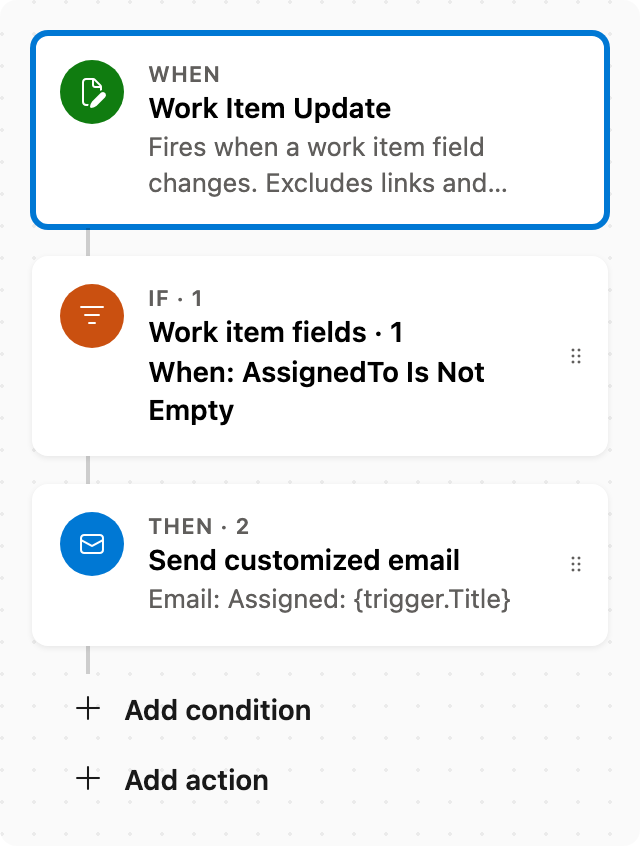
Email the assignee
When Assigned To changes, email that person. Skips the run if Assigned To is cleared.
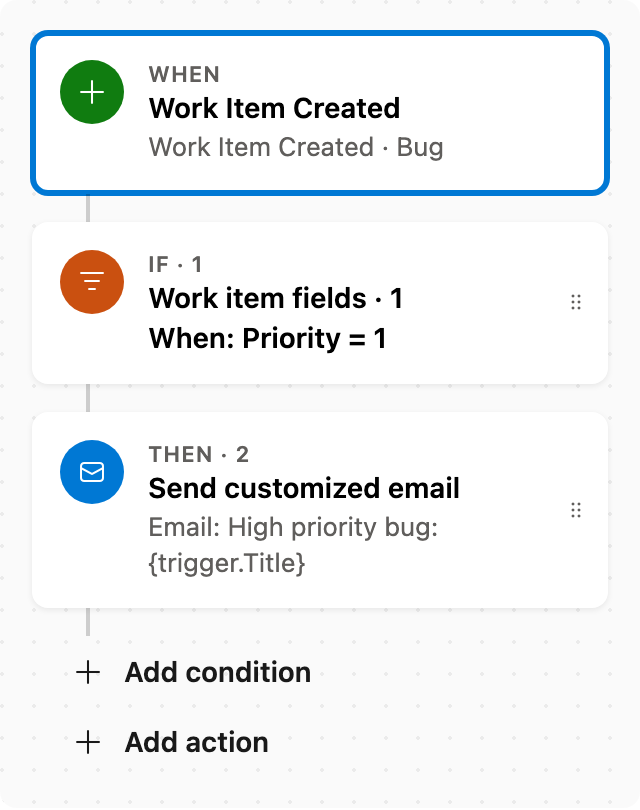
Notify team on high-priority bugs
When a Bug is created with Priority 1, email the team.
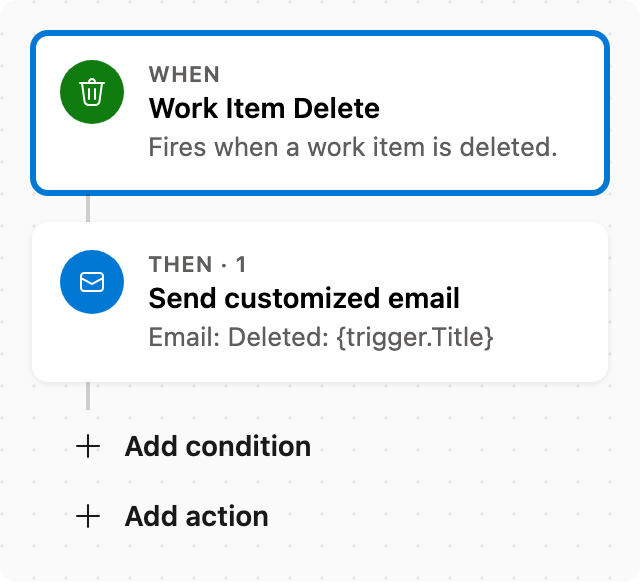
Email when a work item is deleted
When a work item is deleted, email the id, title, and who changed it. Run now is not available — delete an item to test. The Boards link may 404 after delete.