Queue a pipeline when a work item is completed in Azure DevOps
When a work item is completed (Closed or Done), queue a pipeline in Azure DevOps.
Use the Queue a pipeline when a work item is completed template in Documentero Automations. Each completed work item queues its own run. You choose which pipeline before you enable it.
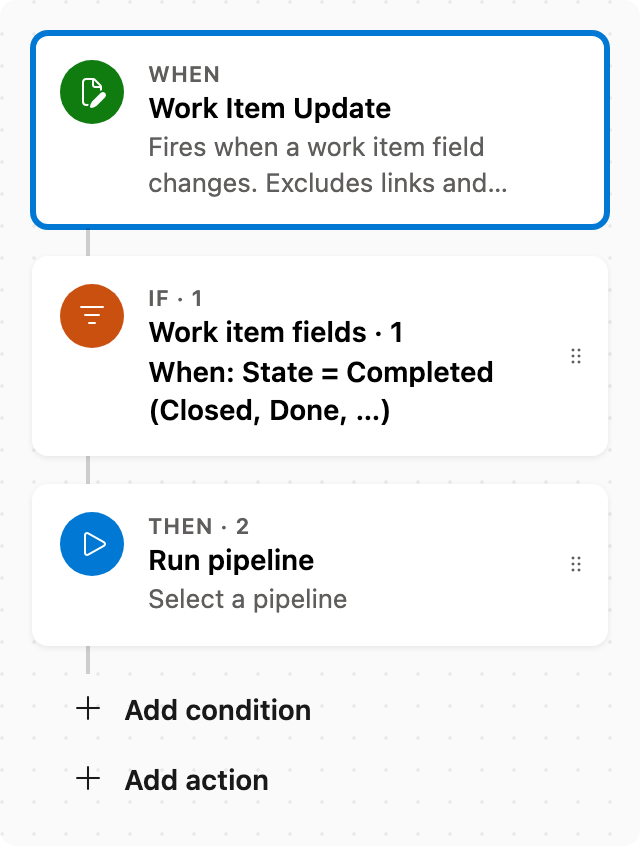
Prerequisite: Install Automations App on your Azure DevOps organization
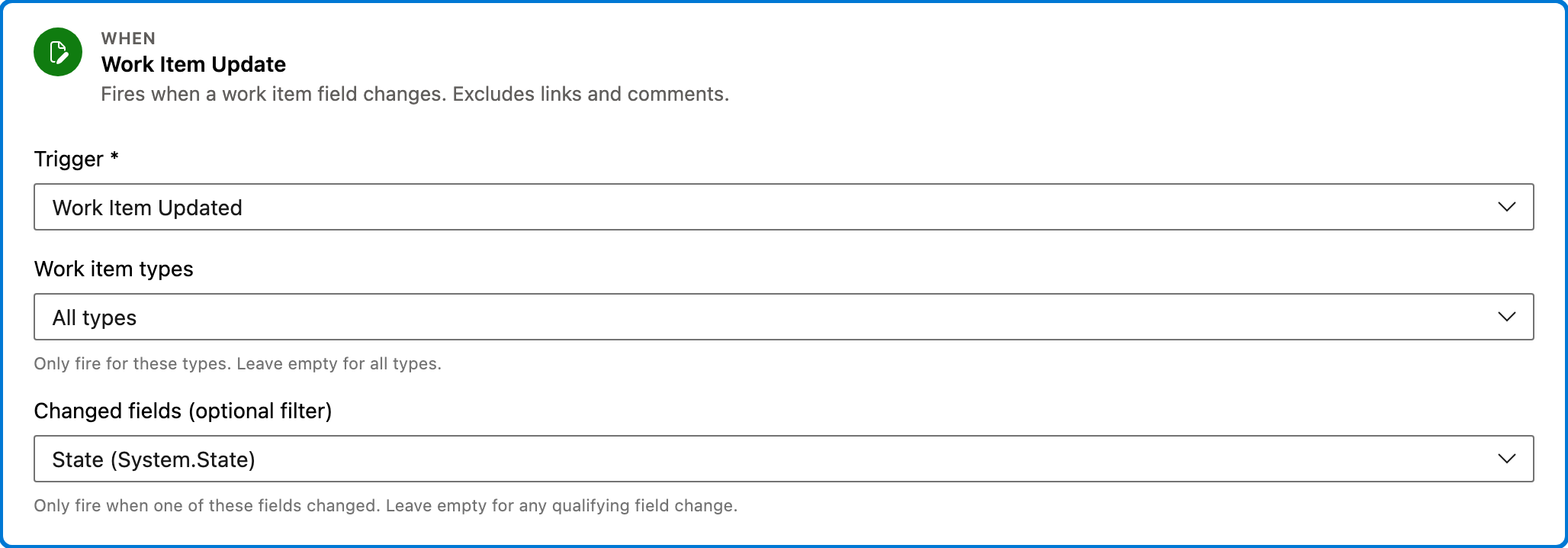
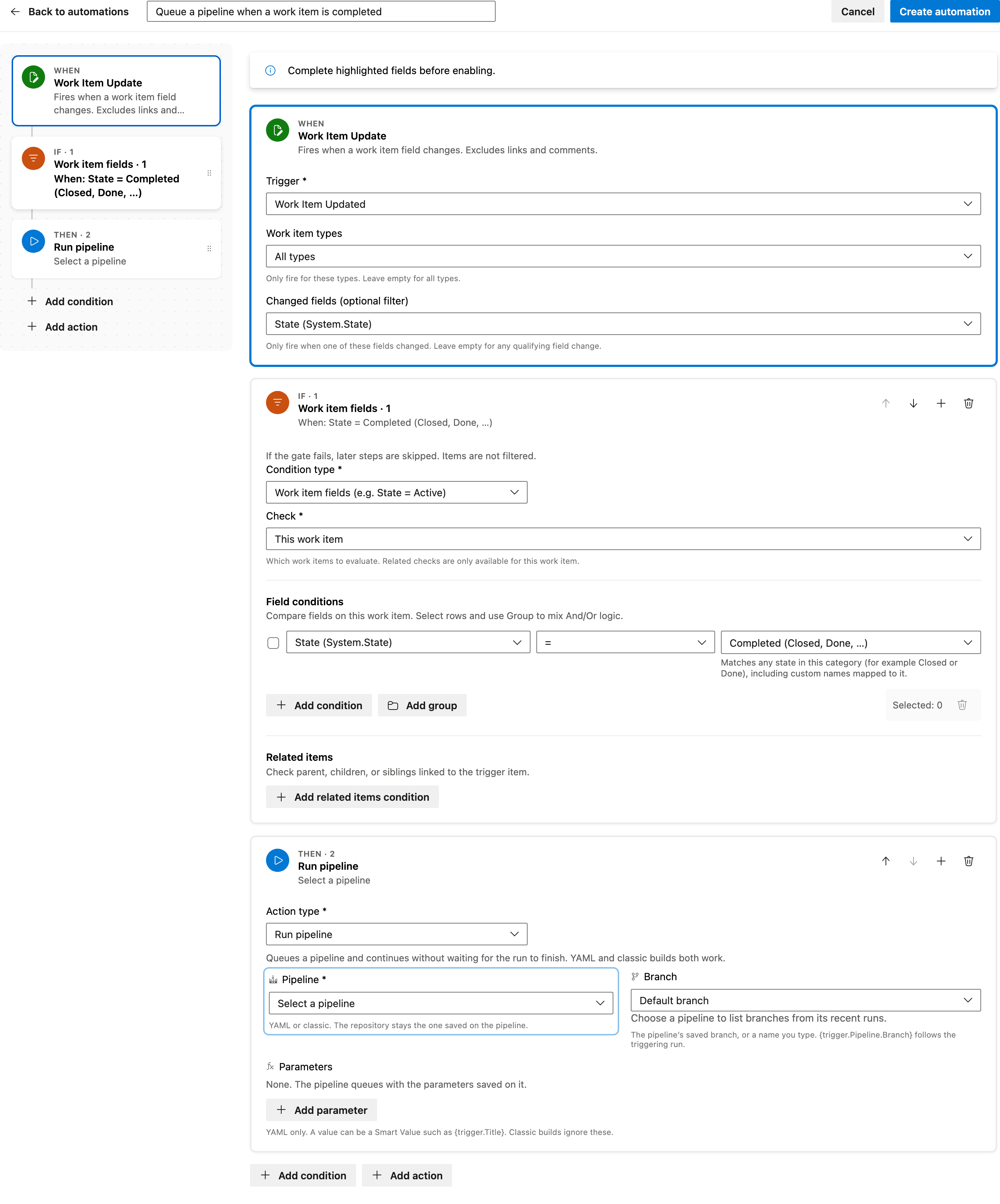
Trigger — Work Item Update
Fires when a work item field changes. Links and comments do not start it. This template watches the State field so it runs when status changes, not on unrelated edits.
Configured in this template
- Work item types: all (no filter)
- Changed fields (optional filter): State
You can customize
- Limit the trigger to the work item types that should queue a run.
- Leave Changed fields on State so other edits do not queue a pipeline.
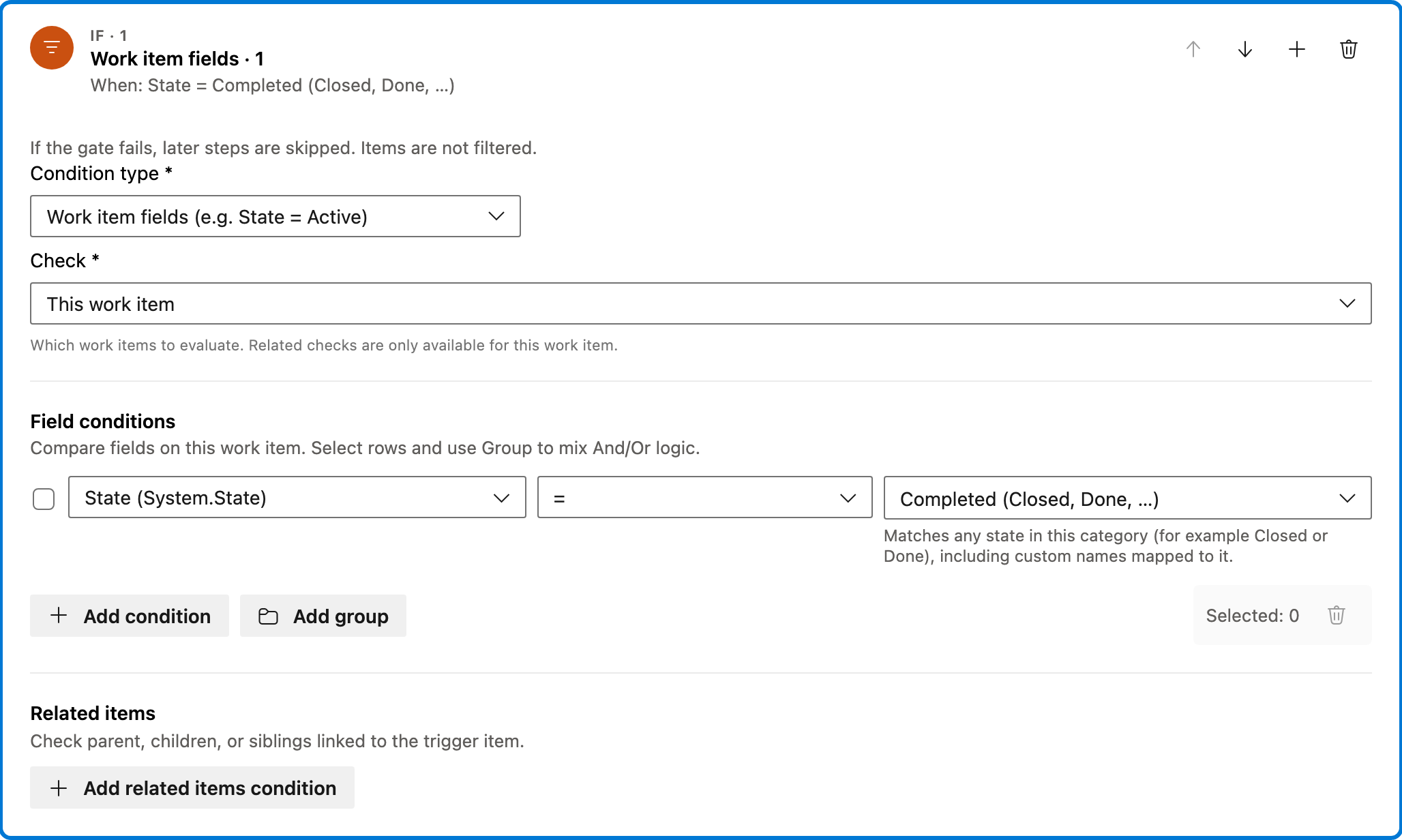
Condition — Work item fields
Continues only when this work item’s State is in the Completed category, such as Closed or Done, including custom state names mapped to that category. If the check fails, later steps are skipped.
Configured in this template
- Check: This work item
- Require: All of Items
- Field conditions: State = state category Completed (Closed, Done, …)
- Match logic: All conditions must match (AND)
- Related work item conditions: (none)
You can customize
- Change the state category if a different status should queue the pipeline.
- Add another field check, such as work item type or area, if only some completed items should run.
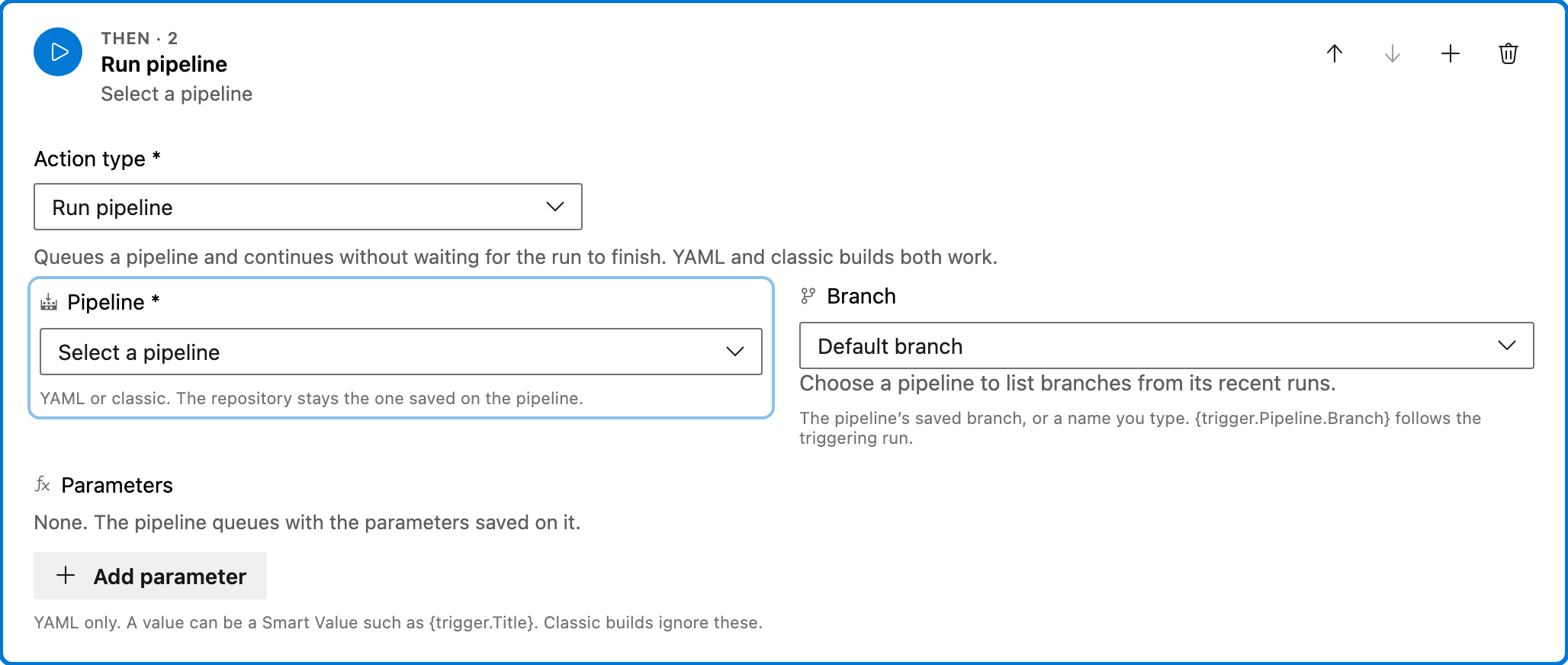
Action — Run pipeline
Queues a pipeline and continues without waiting for the run to finish. YAML and classic builds both work. The pipeline uses the branch and parameters saved on it unless you set them here.
Configured in this template
- Parameters: (none)
You can customize
- Select the pipeline to queue. The builder blocks enable until a pipeline is chosen.
- Set a branch, or leave Default branch to use the pipeline’s saved branch.
- Add YAML parameters if the pipeline expects them. Classic builds ignore parameters.
Full automation
Common questions
How do I queue a pipeline when a work item is completed in Azure DevOps?
Which field do I have to fill in before enabling this automation?
Does every completed work item start its own run?
Does the automation wait until the pipeline finishes?

Visual Studio Marketplace
Automations
Automate Azure DevOps workflows with triggers, actions, conditions, and scheduled rules.
Other Pipelines templates in Automations.
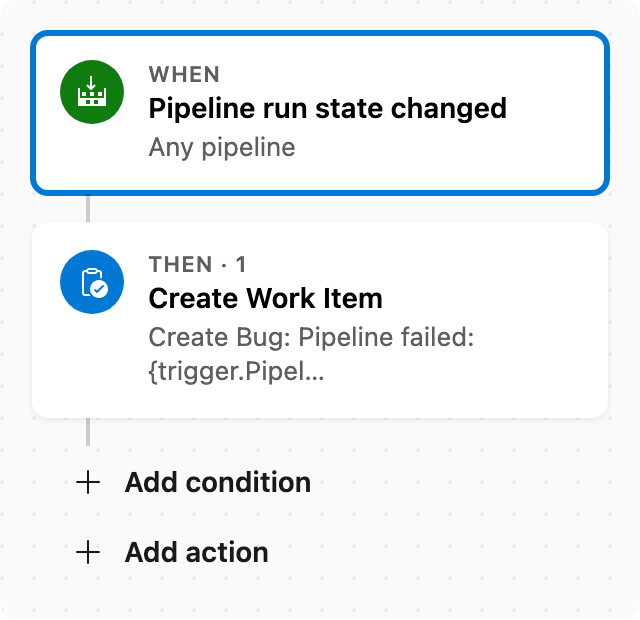
Create Bug when pipeline fails
When a pipeline fails, create a Bug linked to that run.
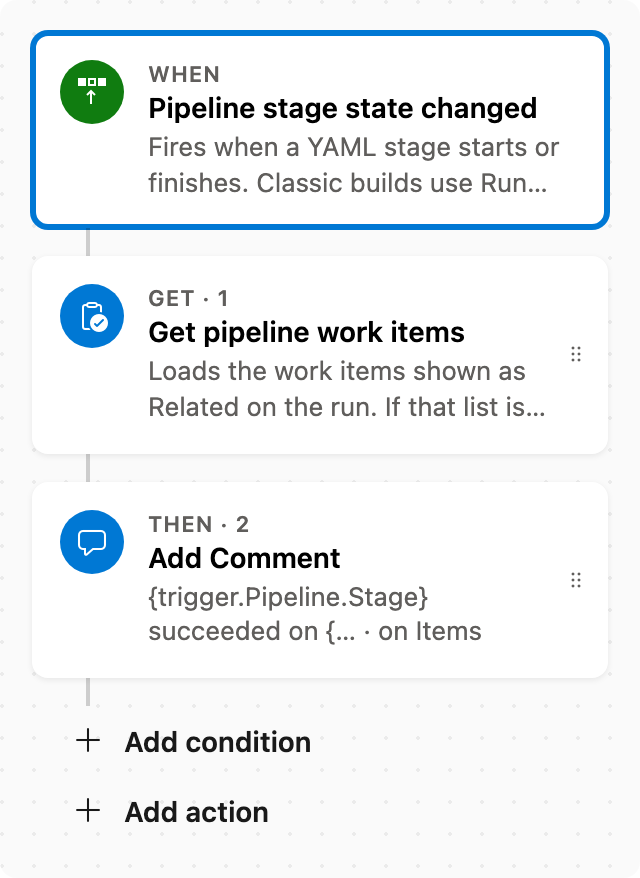
Comment on related items when a stage succeeds
When a pipeline stage succeeds, comment on the related work items from that run.
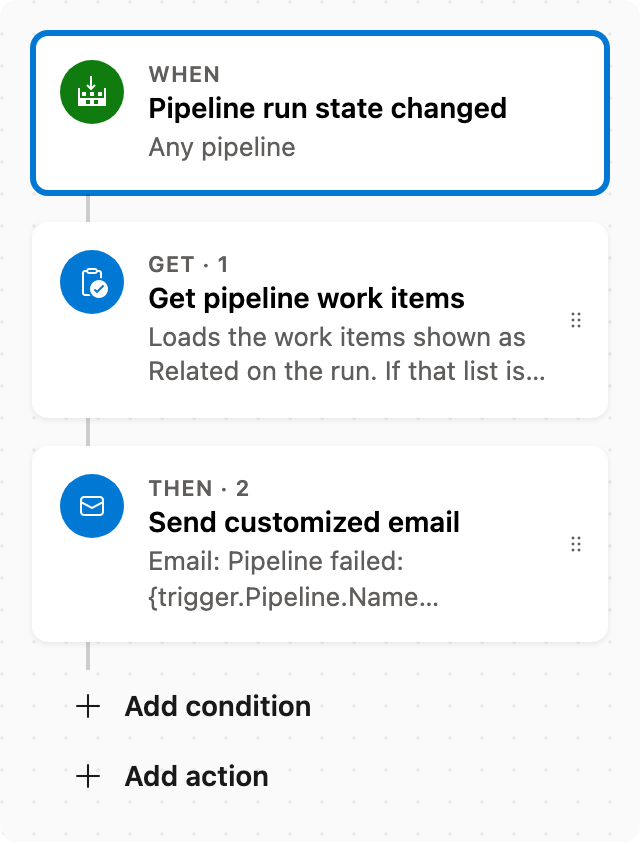
Email related items when a pipeline fails
When a pipeline fails, email the related work items from that run.
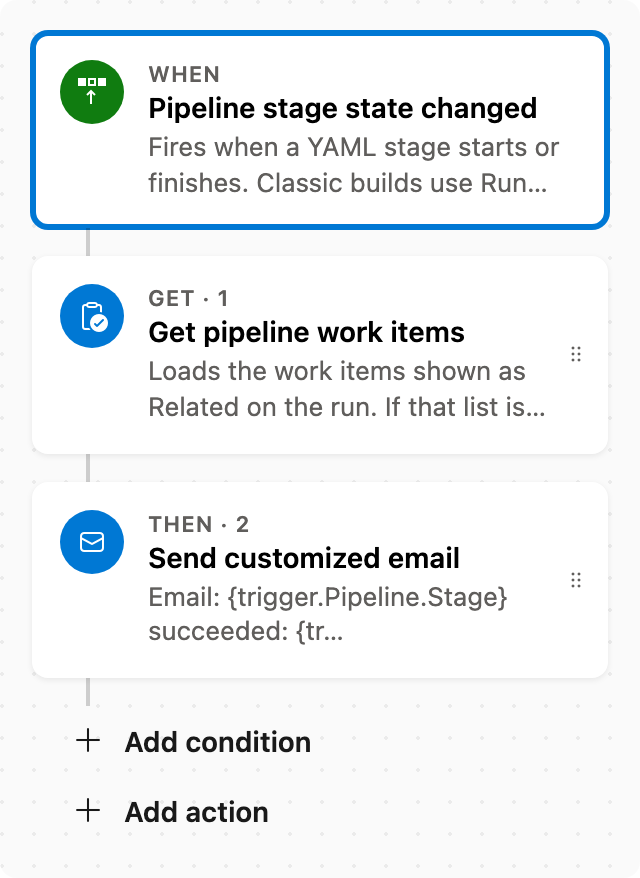
Email related items when a stage succeeds
When a pipeline stage succeeds, email the related work items from that run.