Clear triage tags when work is completed in Azure DevOps
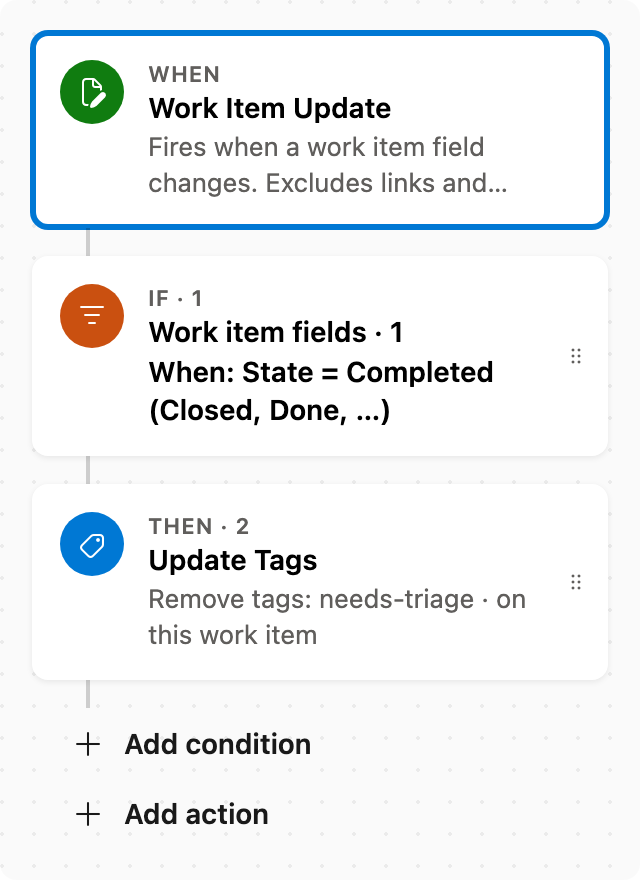
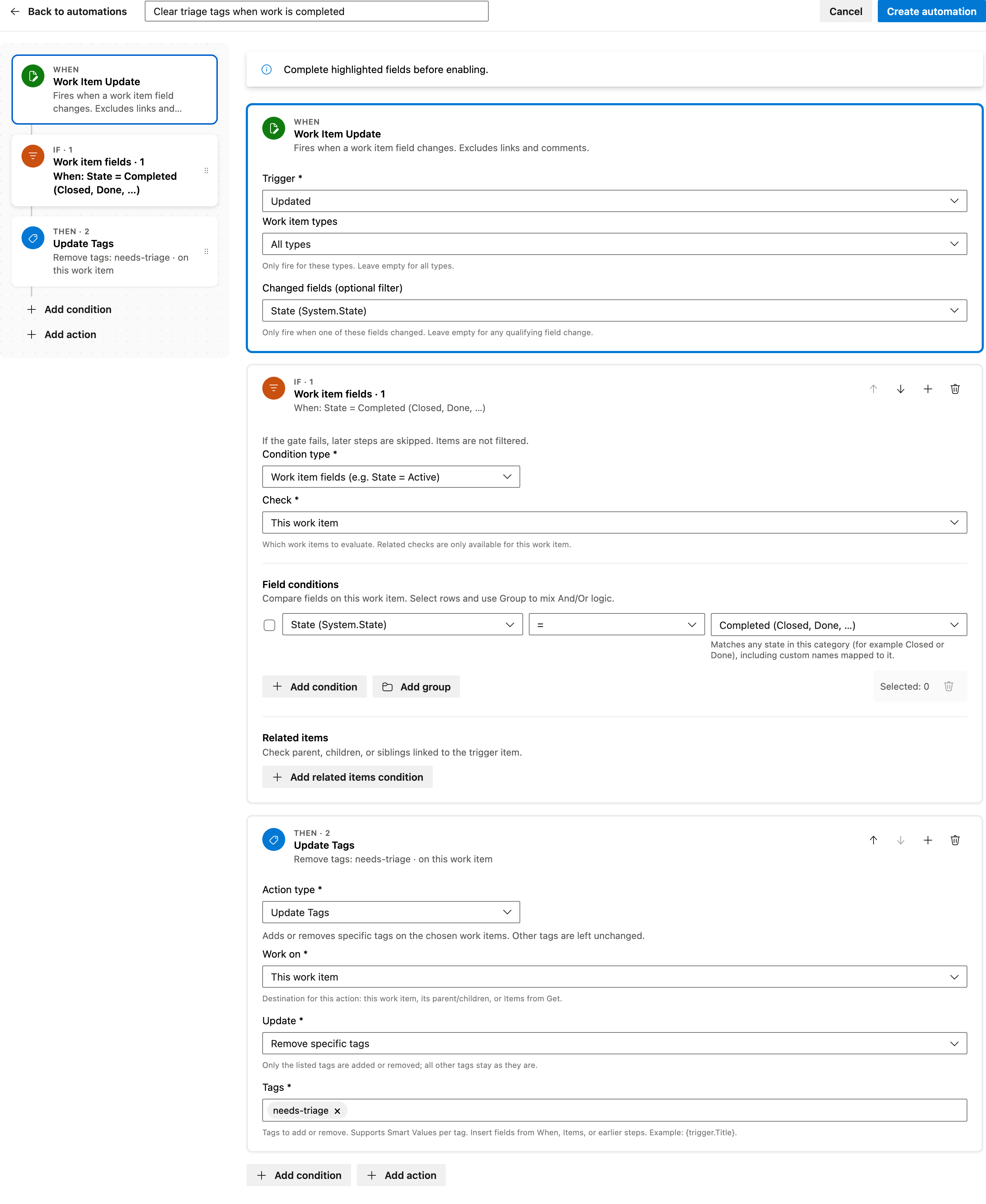
When State changes to Completed (Closed or Done), remove the listed tags and leave other tags unchanged in Azure DevOps.
Set the tag names to match what your team uses. Start from the Work Items gallery template or add the same Work Item Update trigger, state condition, and Update Tags action from scratch.
Prerequisite: Install Automations App on your Azure DevOps organization
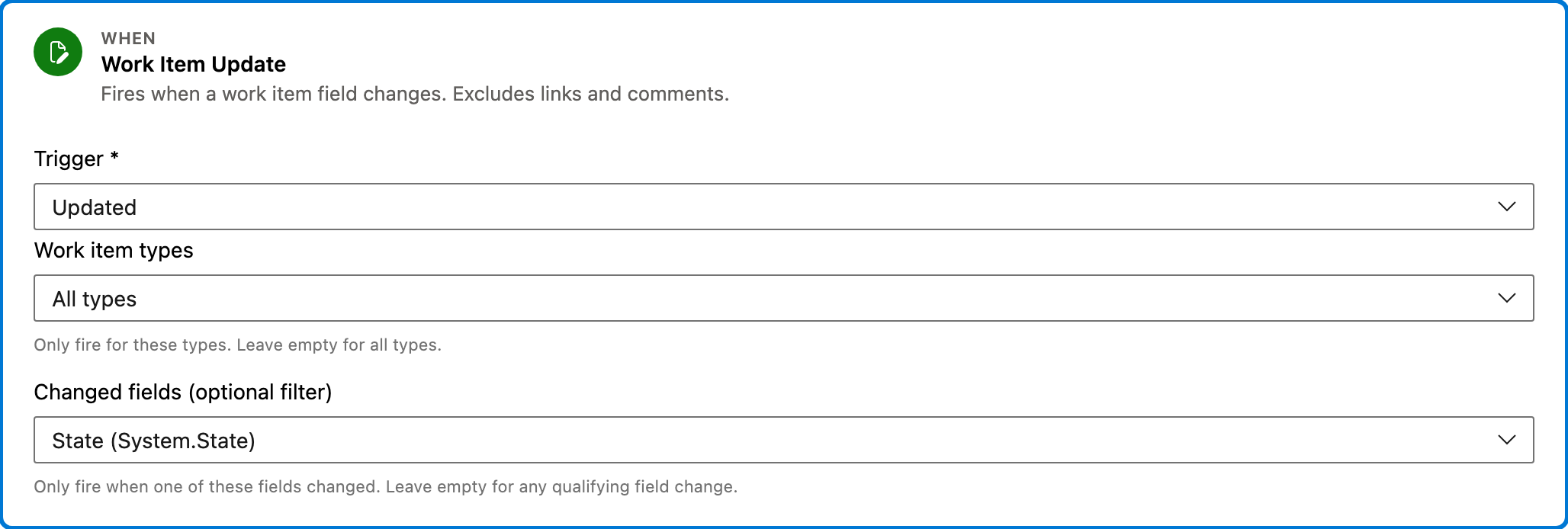
Trigger — Work Item Update
This trigger activates when a work item field changes, specifically monitoring changes to the 'State' field. It does not include changes in links or comments.
Configured in this template
- Work item types: all (no filter)
- Changed fields (optional filter): State
You can customize
- Limit the trigger to specific work item types if needed.
- Add additional fields to monitor if your process requires it.
Condition — Work item fields
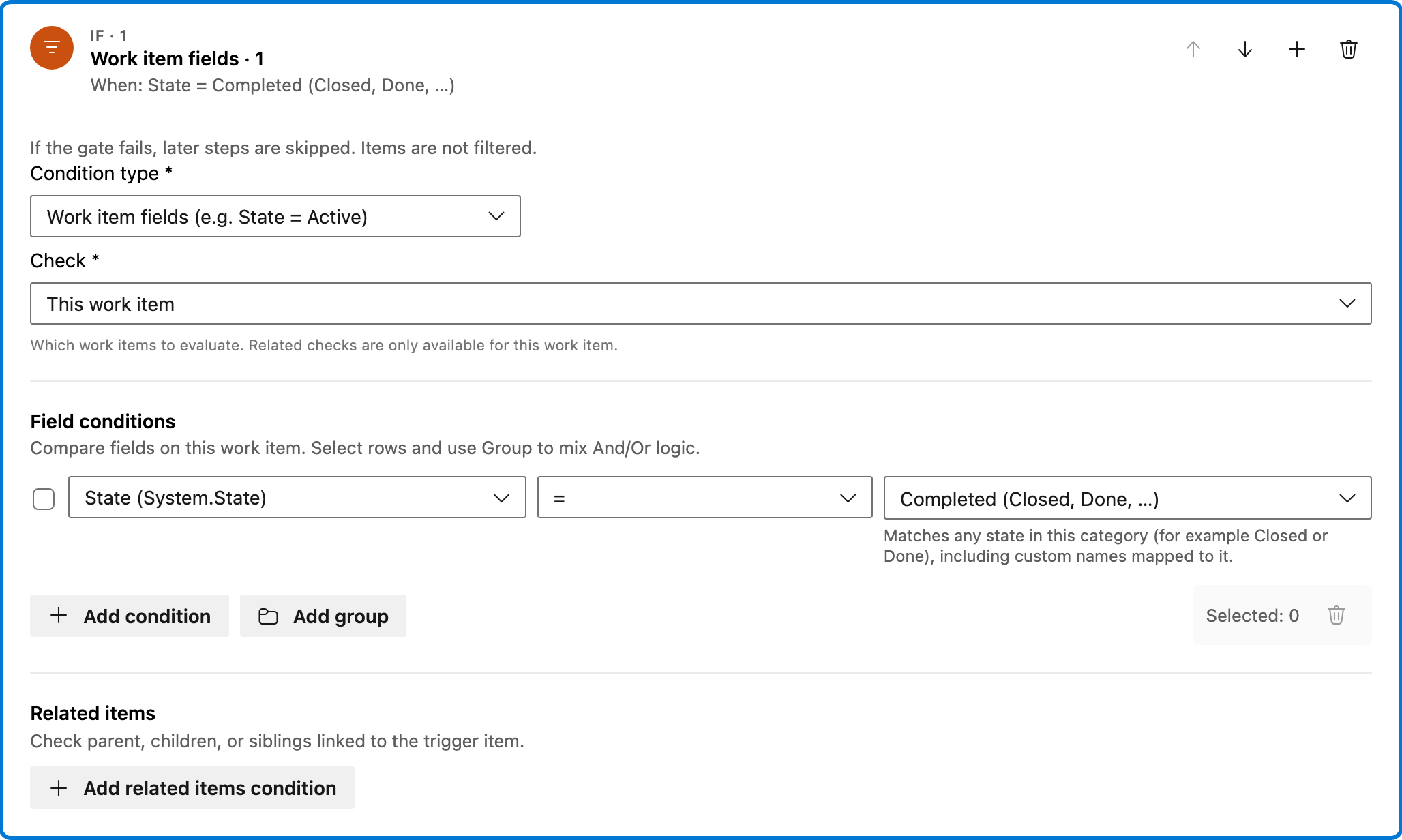
This condition checks if the work item's 'State' field is set to a completed category, such as Closed or Done. The automation proceeds only if this condition is met.
Configured in this template
- Check: This work item
- Require: All of Items
- Field conditions: State = state category Completed (Closed, Done, …)
- Match logic: All conditions must match (AND)
- Related work item conditions: (none)
You can customize
- Adjust the state categories to match your project's definitions of completion.
- Add more conditions if your workflow has additional criteria.
Action — Update Tags
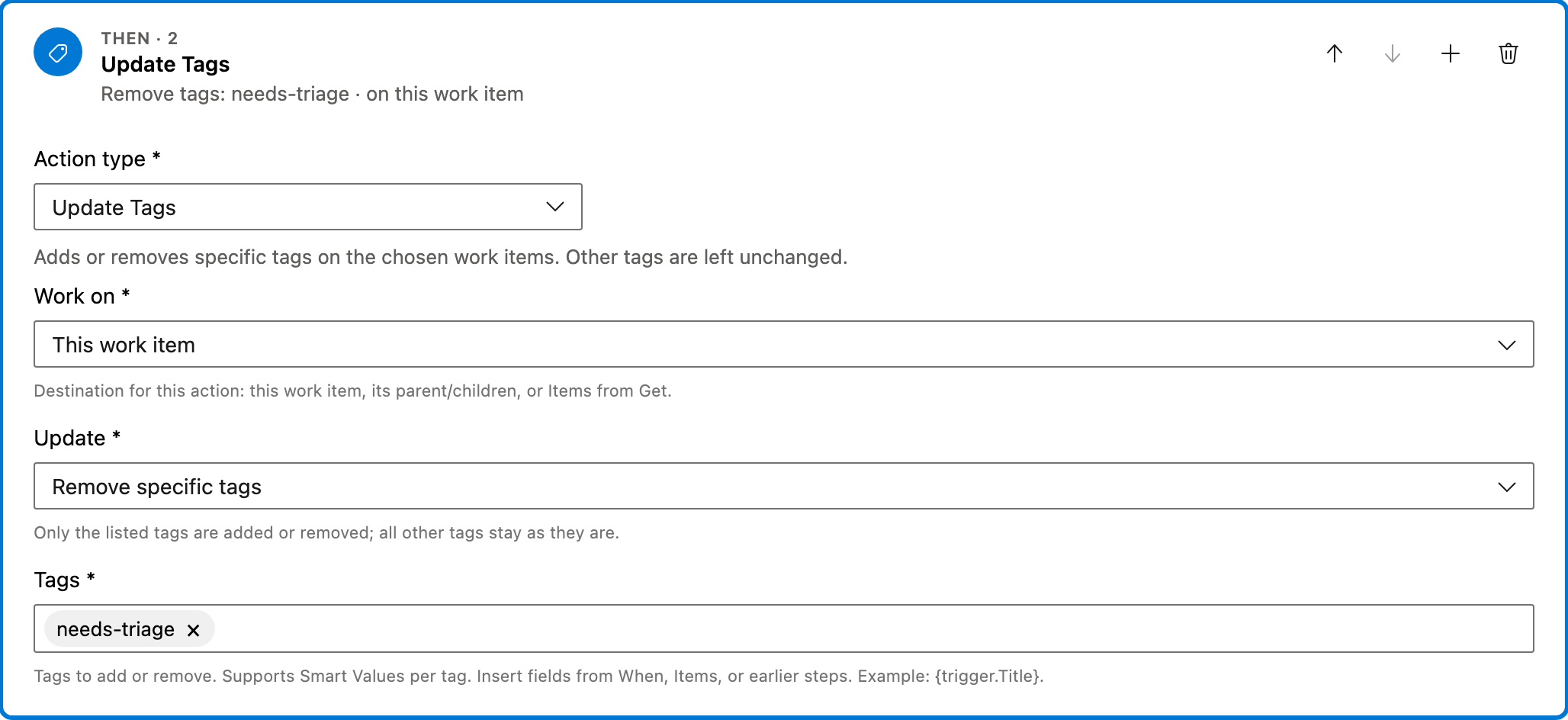
This action removes specified tags from the work item once it is confirmed to be in a completed state. Other tags remain unchanged.
Configured in this template
- Work on: This work item
- Update: Remove specific tags
- Tags: needs-triage
You can customize
- Specify different tags to remove based on your project's tagging system.
- Add actions to update other fields or notify team members.
Full automation
Common questions
How do I clear triage tags when work is completed in Azure DevOps?
What fields are required to enable this automation?
Can I change the work item types this automation applies to?
How can I test if the automation is working correctly?
Is there a way to schedule when this automation runs?

Visual Studio Marketplace
Automations
Automate Azure DevOps workflows with triggers, actions, conditions, and scheduled rules.
Other Work Items templates in Automations.
Auto assign new work items
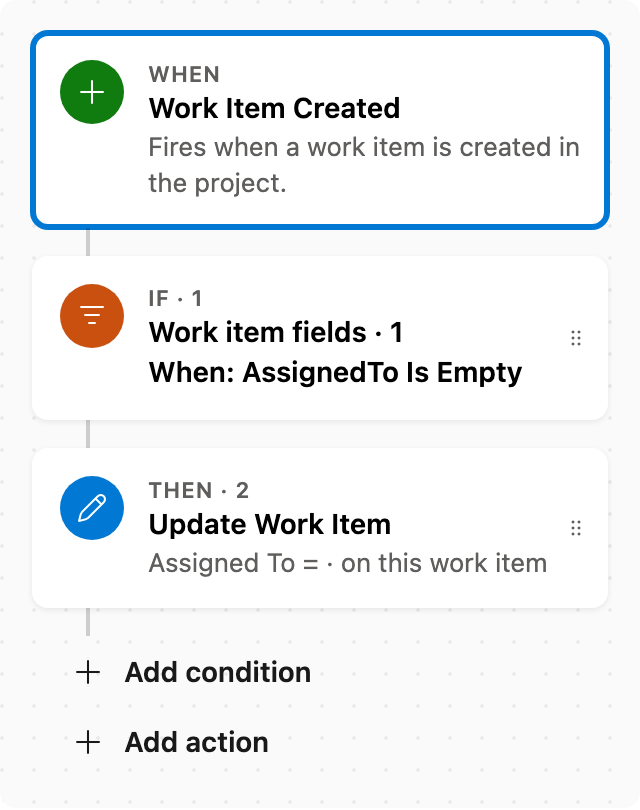
When a work item is created with no assignee, set Assigned To. Skips items that already have someone assigned.
Add comment after status change
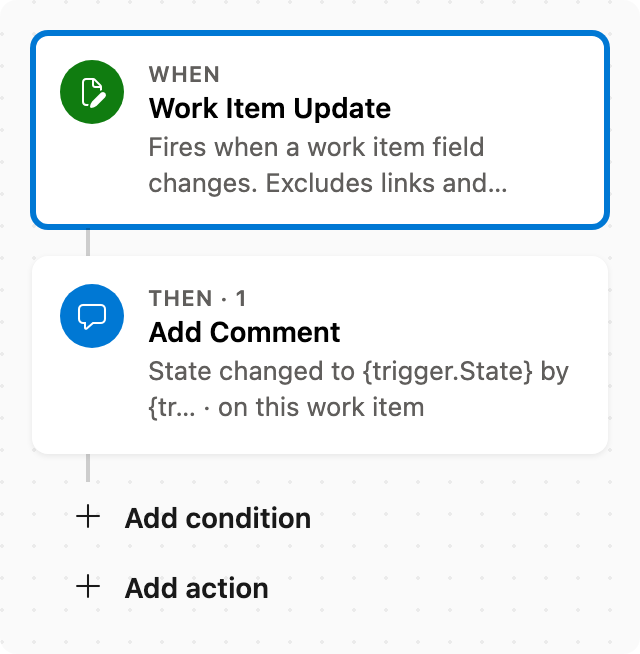
When State changes, add a comment naming who changed it and the new state.
Set Priority by rules
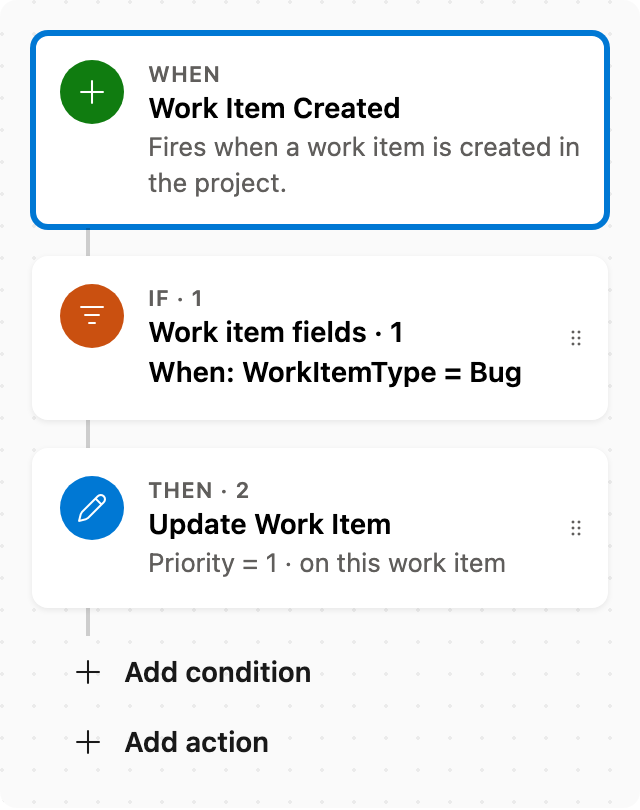
When a work item is created as a Bug, set Priority to 1. Adjust conditions as needed.
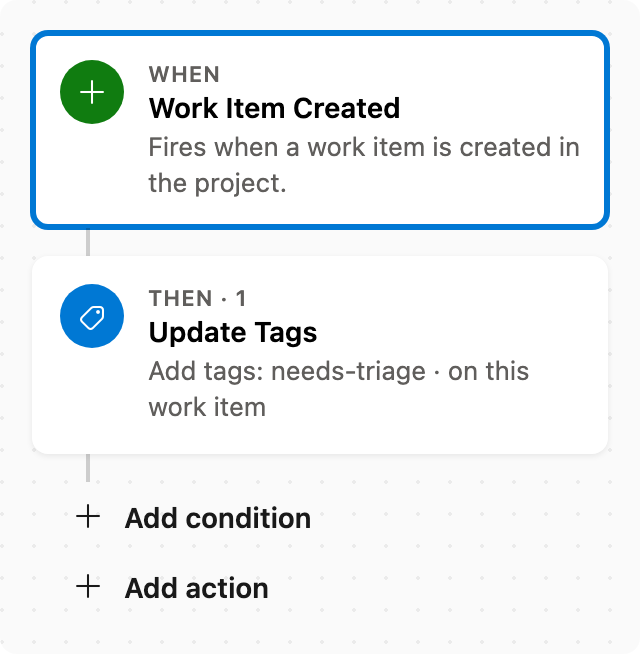
Auto tag new work items
When a work item is created, add tags without removing existing ones.